
LPScreen
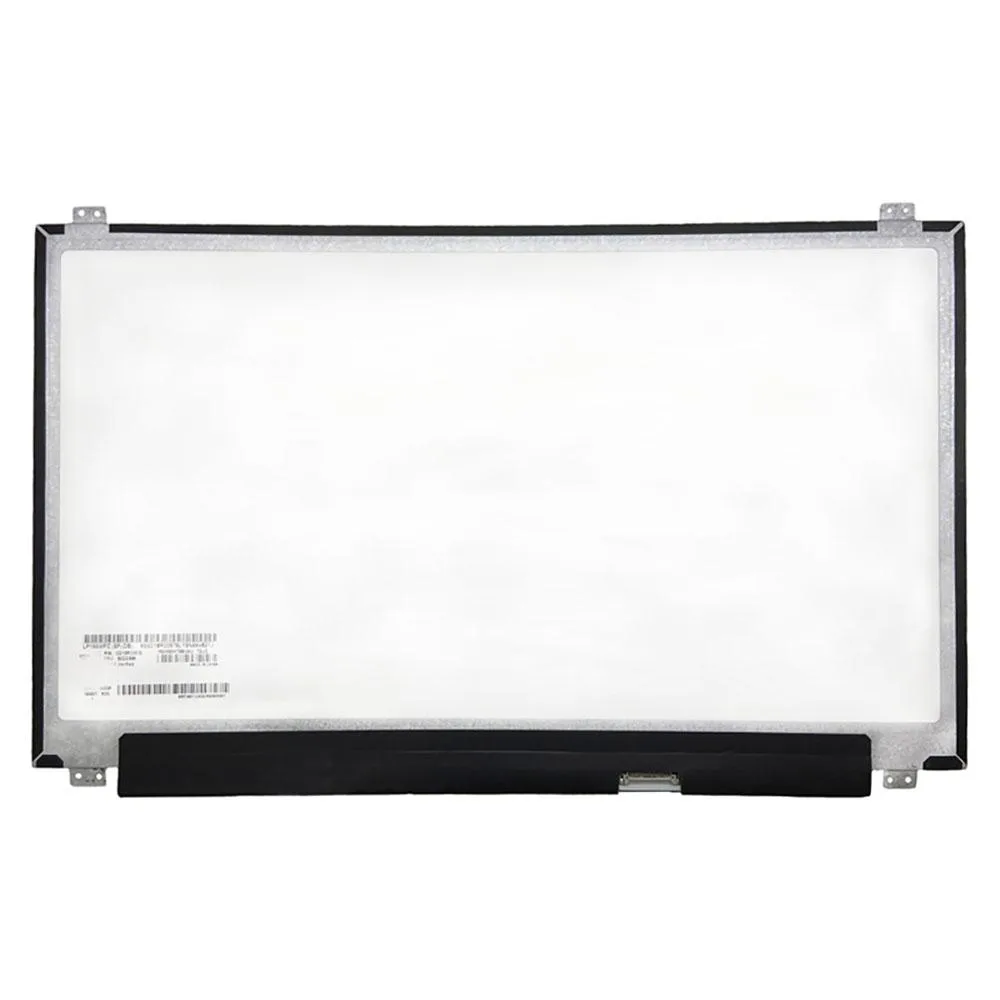
LPScreen LM156LF5L02 laptop screen 15.6" FHD 1920x1080 60Hz 30-pin
A 15.6 inch Full HD laptop replacement screen for LM156LF5L02 with 1920x1080 resolution, 60Hz refresh rate and 30-pin connector
- Compatible ModelsLM156LF5L02
- Screen Size15.6"
- Screen ResolutionFull HD (FHD) 1920x1080
- Sharp Full HD detail on a 15.6 inch panel
- 60 Hz refresh keeps everyday motion smooth
- 30-pin connector matches the original laptop design
- 275 cd/m² brightness works well indoors
- Wide 85-degree viewing angles stay clear from the side
15.6" FHD 60 Hz laptop replacement panel
This is a new 15.6-inch Full HD LCD panel with a 1920x1080 resolution and a 60 Hz refresh rate. It uses a 30-pin connector and delivers 275 cd/m² brightness with a 1000:1 contrast ratio. The matte finish covers 45% NTSC colour gamut.
Repair technicians and DIY owners matching part
The panel suits anyone replacing a broken LM156LF5L02 screen in a compatible laptop chassis. Buyers who need touch input, a higher refresh rate, wider colour coverage or a different pin layout should look elsewhere.
30-pin connector decides fit
The single specification that determines compatibility is the 30-pin interface; the replacement will only work if the original panel uses the same connector. Verify the part number on your existing screen before ordering.
Highlights
- Sharp Full HD detail on a 15.6 inch panel
- 60 Hz refresh keeps everyday motion smooth
- 30-pin connector matches the original laptop design
- 275 cd/m² brightness works well indoors
- Wide 85-degree viewing angles stay clear from the side
Specifications
| Model | LM156LF5L02 |
|---|---|
| Part Number | LM156LF5L02 |
| Compatible Models | LM156LF5L02 |
| Screen Size | 15.6" |
| Screen Resolution | Full HD (FHD) 1920x1080 |
Questions about this item
What does the 30-pin connector limit in practice?
The 30-pin connector carries the FHD 1920x1080 signal at 60Hz; it does not support higher refresh rates or touch input.
What physical space and mounting points does the 15.6 inch panel need?
The panel fits a standard 15.6 inch lid cavity with top and bottom brackets matching the original LM156LF5L02 mounting holes.
How is the screen installed and which step is often missed?
Remove the bezel, disconnect the old 30-pin cable, fit the new panel, reconnect the cable firmly, then test before reattaching the bezel — the cable often seats loosely.
Also in this aisle
People compared these
Same shelf, same checkout — eight coins and a 30-minute rate lock.


Case Logic
Case Logic 3203990 briefcase for 15.6 in laptop with 10.1 in tablet pocket
$30.99
0.00037287BTC
In stock