

Black Box Corporation
Black Box Corporation AVSP-HDMI1X4 1x4 HDMI Splitter tv accessory
$237.99
0.00286262BTC
In stockWe take cryptocurrency — so the coins you hold can buy real hardware.Pay in crypto, spend it on real hardware. Free insured shipping worldwide over $399. Plain, unbranded boxes, sent from Germany.Free insured shipping over $399. Your rate is locked for 30 minutes once checkout opens.Rate locked 30 minutes. Every item sealed, serial-checked and covered by a 24-month warranty.Sealed, 24-month warranty.
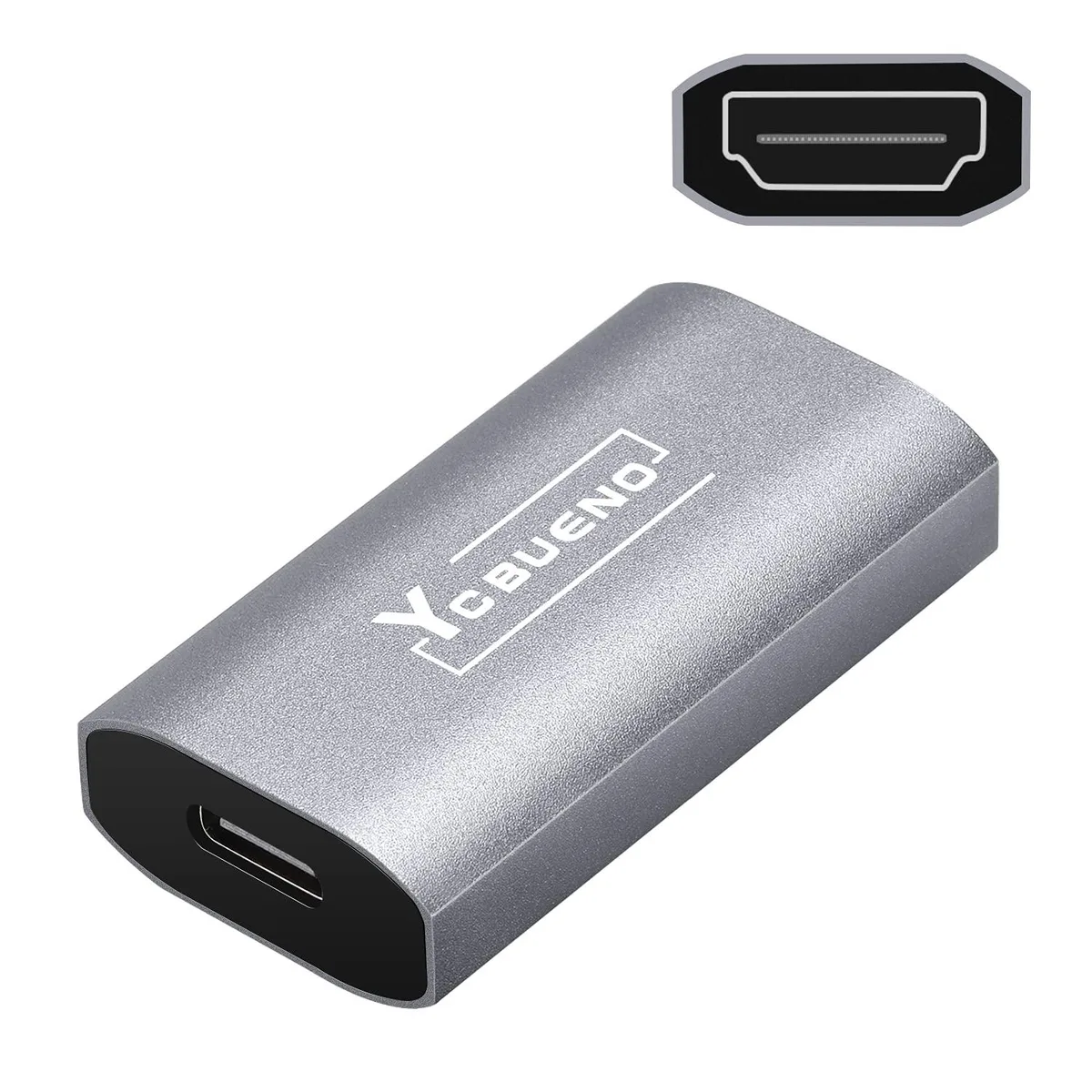


KEHIPI
Compact HDMI-to-Type-C capture device accepts 4K 60 Hz input and delivers 1080p 60 fps output for streaming and recording
The KEHIPI YC-Z53 accepts an HDMI signal up to 3840x2160 at 60 Hz and delivers a 1920x1080 60 fps stream over USB Type-C. It targets creators who need a lightweight grabber for DSLRs, consoles or camcorders without carrying a bulky box.
Plug the HDMI source into the card and the Type-C end into a PC, Mac, Linux or Android device; no driver installation or external power is required. The aluminium shell handles heat, but the short 2.18-inch body leaves little strain relief, so a heavy HDMI cable can tug the port loose during long sessions.
The device downsamples 3840x2160@60 Hz input to 1920x1080@60 Hz output, so high-refresh 1440p or 4K60 recording is not possible. USB 2.0 ports lack the throughput for 1080p60, resulting in dropped frames, and HDCP-protected sources such as commercial Blu-ray players will not pass through.
| Brand | KEHIPI |
|---|---|
| Model | 791360530602 |
| Color | HDMI/Female to Type C/Female |
| Features | Compact,Portable |
| Dimension | 2.18 in x 0.92 in x 0.42 in |
| Weight | 0.041 kilograms |
Open OBS or your streaming software, add the device as a video source and check the resolution field — it should read 1920×1080@60Hz with no dropped frames.
You need an HDMI cable from your camera or console to the card and a USB-C cable from the card to your computer; no driver disc or power adapter is required.
Use the 3840×2160@60Hz input when your source sends 4K; the card down-scales to 1920×1080@60Hz for recording or streaming on any PC, Mac or Linux machine.
Also in this aisle
Same shelf, same checkout — eight coins and a 30-minute rate lock.
What you pay in, and what you read prices in.
Sent from your wallet at checkout
Display only — the catalogue is priced in USD
No currency matches that.
New here?
Already have one?
There is no automatic reset: this shop sends no mail, so there is no one-time link to ask for. Leave the address on the account and it gets picked up by hand.
Request noted
Nothing is on its way to your inbox — this shop sends no mail at all. Someone picks these up by hand.
Remembered it?


