

Sony
Sony Alpha a6400 compact mirrorless camera black with 16-50mm and 55-210mm lenses 32GB
$830.99
0.00999964BTC
In stockWe take cryptocurrency — so the coins you hold can buy real hardware.Pay in crypto, spend it on real hardware. Free insured shipping worldwide over $399. Plain, unbranded boxes, sent from Germany.Free insured shipping over $399. Your rate is locked for 30 minutes once checkout opens.Rate locked 30 minutes. Every item sealed, serial-checked and covered by a 24-month warranty.Sealed, 24-month warranty.
JVC
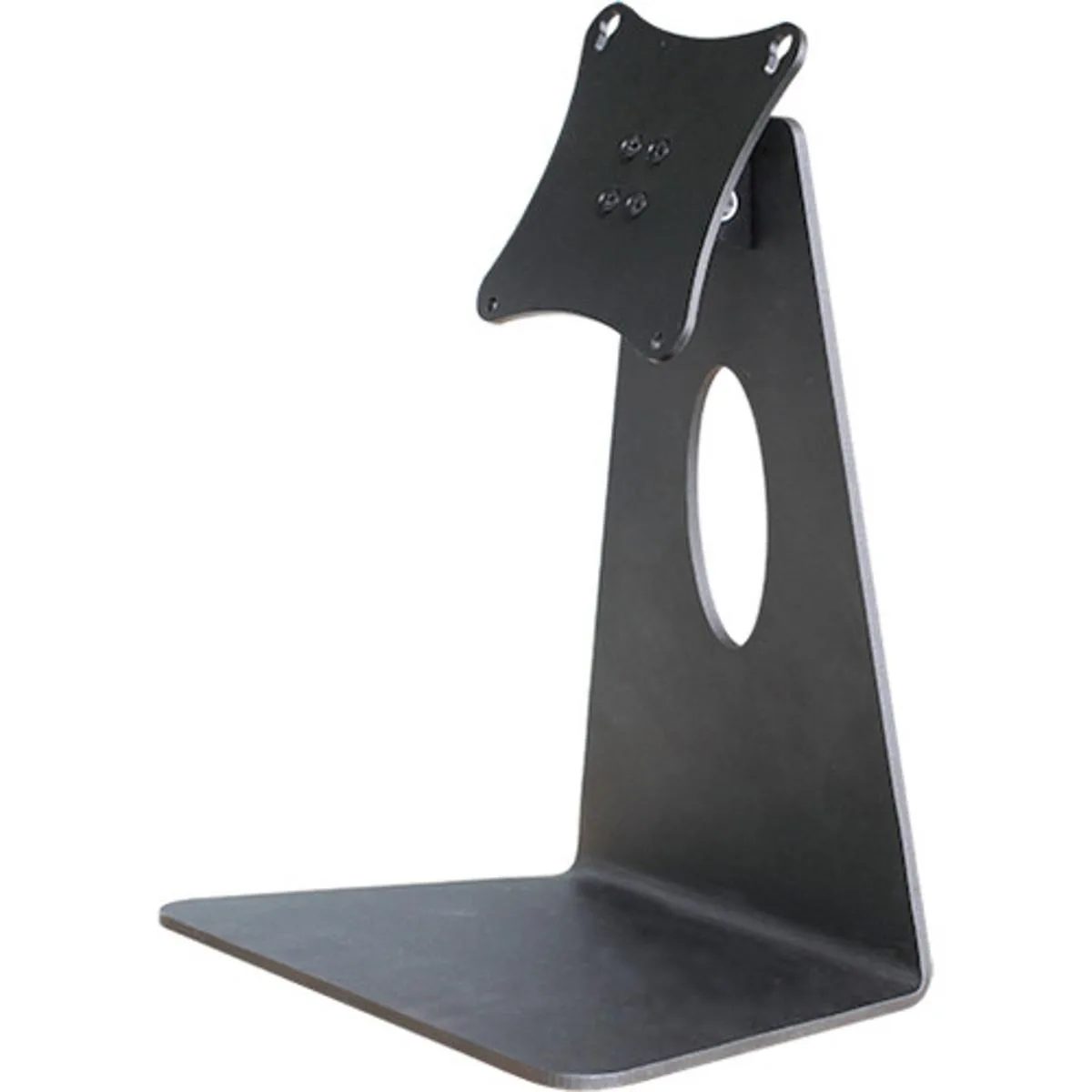
Tilting desktop bracket secures compatible JVC 21 and 24 inch monitors for adjustable viewing angles
This desktop bracket is a mounting accessory built for JVC DT-N21F, DT-N24F, DT-X21H and DT-X24H monitors. It secures the display to a desk and provides a tilting mechanism for angle adjustment. The unit is constructed from black metal for durability and a professional appearance. It is sold new and ready for immediate installation.
The bracket fits only the four specified models, so owners of other JVC monitors or different brands cannot use it. Buyers who require height adjustment, swivel, pivot or VESA mounting patterns should look at alternative solutions. It is designed for desktop placement, not for wall or arm mounting.
The defining feature is the integrated tilt mechanism that lets you change the monitor angle to reduce glare and neck strain. No other movement ranges or adjustment limits are specified in the product data. This single function determines whether the bracket meets your ergonomic needs.
No published specifications for this item yet.
The bracket lets you tilt the DT-N24F forward or backward to find a comfortable viewing angle and reduce glare during long sessions.
It sits directly on the desktop with a black metal base that holds the DT-N21F, DT-N24F, DT-X21H or DT-X24H securely without clamping to the desk edge.
Place the bracket on a flat surface, align the DT-X21H with the mounting points, and secure the supplied screws — skipping the screw-tightening step leaves the monitor loose.
Also in this aisle
Same shelf, same checkout — eight coins and a 30-minute rate lock.
What you pay in, and what you read prices in.
Sent from your wallet at checkout
Display only — the catalogue is priced in USD
No currency matches that.
New here?
Already have one?
There is no automatic reset: this shop sends no mail, so there is no one-time link to ask for. Leave the address on the account and it gets picked up by hand.
Request noted
Nothing is on its way to your inbox — this shop sends no mail at all. Someone picks these up by hand.
Remembered it?


