


JPWEB
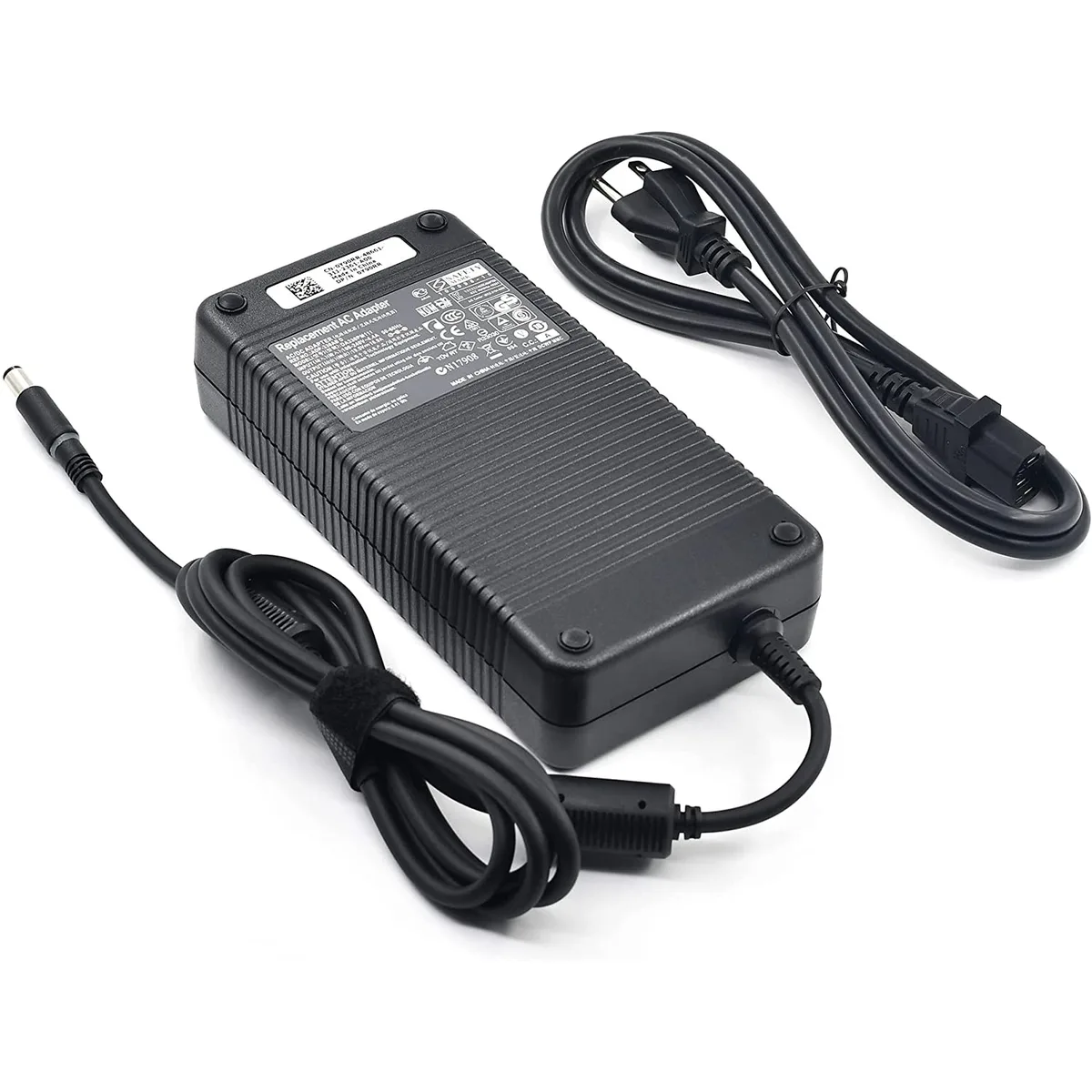
JPWEB 330W 19.5V 16.9A AC Adapter for Dell Alienware x51, M18x R1 R2 R3
330 W 19.5 V AC adapter with 7.4 mm × 5.0 mm connector powers Alienware x51 and M18x R1‑R3 desktops
- 330W output powers demanding Alienware desktops and laptops
- 5V 16.9A delivery matches original adapter specifications
- 4mm x 5.0mm connector fits listed Dell models precisely
- 100-240V input works on mains supplies worldwide
- Built-in LED shows power status at a glance
330 W 19.5 V AC adapter for Alienware desktops
This replacement power supply delivers 330 W at 19.5 V and 16.9 A through a 7.4 mm by 5.0 mm barrel connector. It accepts 100-240 V input at 50-60 Hz and includes a three-prong outlet plug and a power LED indicator. The unit is built for Dell Alienware x51 desktops and Alienware M18x R1, R2 and R3 laptops.
Replaces original ADP-330AB and DA330PM111 units
The adapter matches part numbers F0K0N, 331-2429, 320-2269, XM3C3, ADP-330AB B, ADP-330AB D, DA330PM111 and CN-0XM3C3. It is a direct swap when the original 330 W brick fails or is lost. The jump is worth it when the system shows charging faults, intermittent power or a damaged cable on the factory supply.
Fits x51 and M18x chassis with 7.4 mm barrel jack
The connector size and 19.5 V output align with the x51 desktop and M18x series power jack, freeing the builder from hunting proprietary Dell bricks. A standard IEC C13 mains lead completes the connection. Buyers needing a different voltage, a higher wattage or a USB-C PD interface cannot use this adapter.
Highlights
- 330W output powers demanding Alienware desktops and laptops
- 5V 16.9A delivery matches original adapter specifications
- 4mm x 5.0mm connector fits listed Dell models precisely
- 100-240V input works on mains supplies worldwide
- Built-in LED shows power status at a glance
Specifications
No published specifications for this item yet.
Questions about this item
What connector size does this 330 W adapter use for the Alienware x51 and M18x?
The barrel connector measures 7.4 mm outer diameter by 5.0 mm inner diameter.
Which step is often missed when installing the 3-prong power supply in the x51 desktop?
Many users forget to seat the 3-prong IEC cable fully into the brick before plugging into the wall outlet.
When should the LED indicator on this 19.5 V 16.9 A unit be checked for replacement timing?
If the power LED fails to light while the adapter is plugged in and the system shows no charging, the unit likely needs replacement.
Also in this aisle
People compared these
Same shelf, same checkout — eight coins and a 30-minute rate lock.


Case Logic
Case Logic 3203990 briefcase for 15.6 in laptop with 10.1 in tablet pocket
$30.99
0.00037311BTC
In stock