

IBM
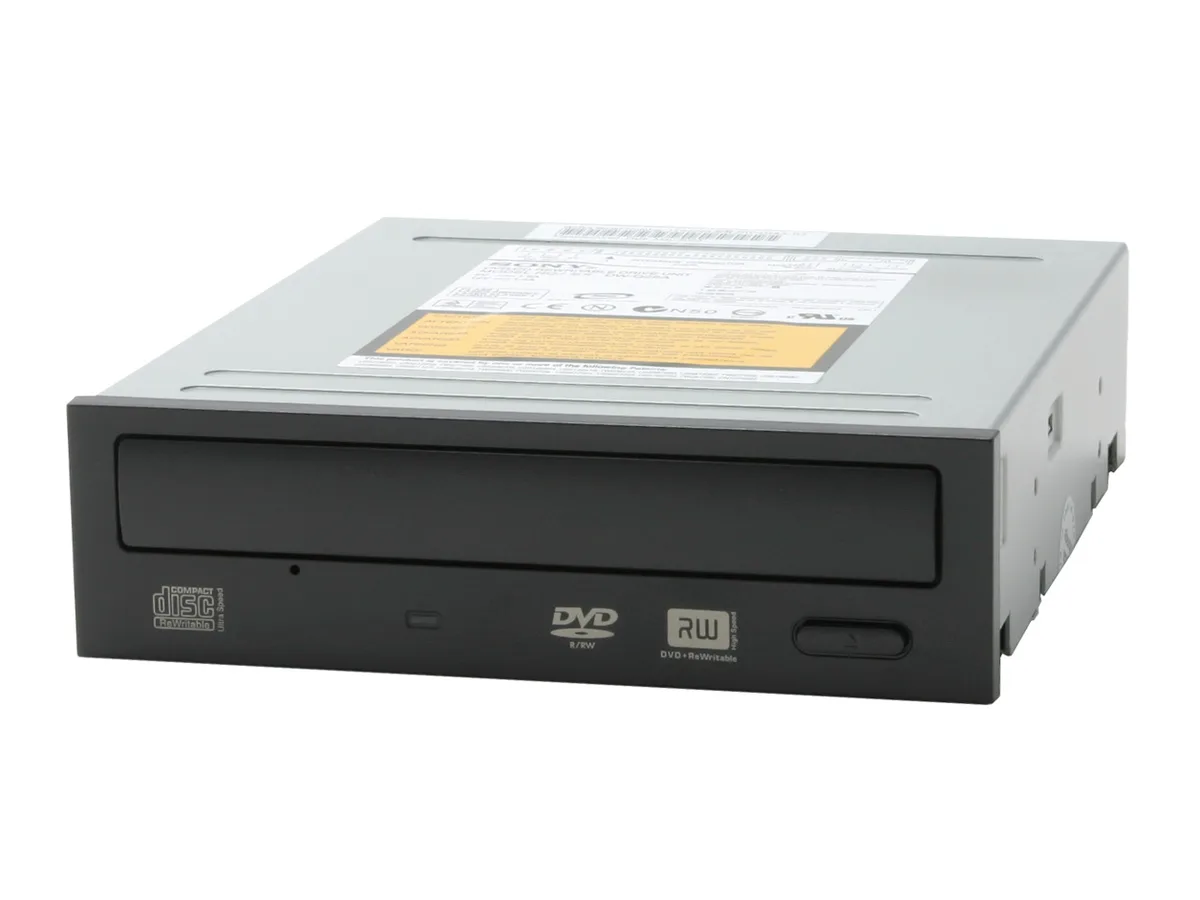
IBM CD-R/RW drive 24P3626 black
Burns and reads CD-R and CD-RW media at up to 24× speed, supplied as a new internal drive
- New IBM CD-R/RW drive ready for immediate installation
- 24× CD-R write speed creates discs quickly
- 28× CD-RW rewrite speed updates media fast
- Black bezel matches dark chassis aesthetics
- First listed by manufacturer April 2026
Product identity
The IBM 24P3626 is an internal CD-R/RW optical drive finished in black. It is intended for desktop users who still need to read or write compact discs. The unit is supplied new and was first listed by the manufacturer on 28 April 2026.
Suitability
This drive suits anyone maintaining legacy software archives, creating audio CDs or accessing older disc-based media. Builders whose chassis lack a 5.25-inch external bay or who require DVD recording capability should consider a different solution.
Deciding specification
The product is a CD-R/RW device only; it does not write DVD media. If your workflow demands DVD-R, DVD+R or dual-layer recording, this model will not meet that requirement.
Highlights
- New IBM CD-R/RW drive ready for immediate installation
- 24× CD-R write speed creates discs quickly
- 28× CD-RW rewrite speed updates media fast
- Black bezel matches dark chassis aesthetics
- First listed by manufacturer April 2026
Specifications
No published specifications for this item yet.
Questions about this item
Will the 24P3626 fit a standard 5.25-inch drive bay?
Yes, the 24P3626 is built for a standard 5.25-inch half-height bay and uses the usual four M3 mounting holes on each side.
Which cable and jumper step is most often missed during install?
Connect the IDE ribbon to the motherboard and set the rear jumper to Master or Cable Select before tightening the screws.
When should the laser lens be cleaned or the drive replaced?
Clean the lens with a dry cleaning disc when burns fail verification; replace the unit if the tray mechanism sticks or read errors persist after cleaning.
New to this? Paying with USDT: TRC-20 or ERC-20 — what to check, what it costs to pay, and what is never asked for.
More in CD / DVD Burners
Similar items
Same shelf, same checkout — eight coins and a 30-minute rate lock.



LG Electronics
LG Electronics GH22LP20 22X DVD burner black IDE LightScribe
- DVD Burner
- 140ms
$12.99
0.00015103BTC
In stock

LG Electronics
LG Electronics GH20NS15 20X DVD burner 5.25" black SATA
- DVD Burner
- 145ms
$16.99
0.00019754BTC
In stock
Lite-On
Lite-On iHAS324-17 24x SATA DVD burner
- DVD Burner
- DVD family: 200 ms
$29.99
0.00034868BTC
In stock