


HP
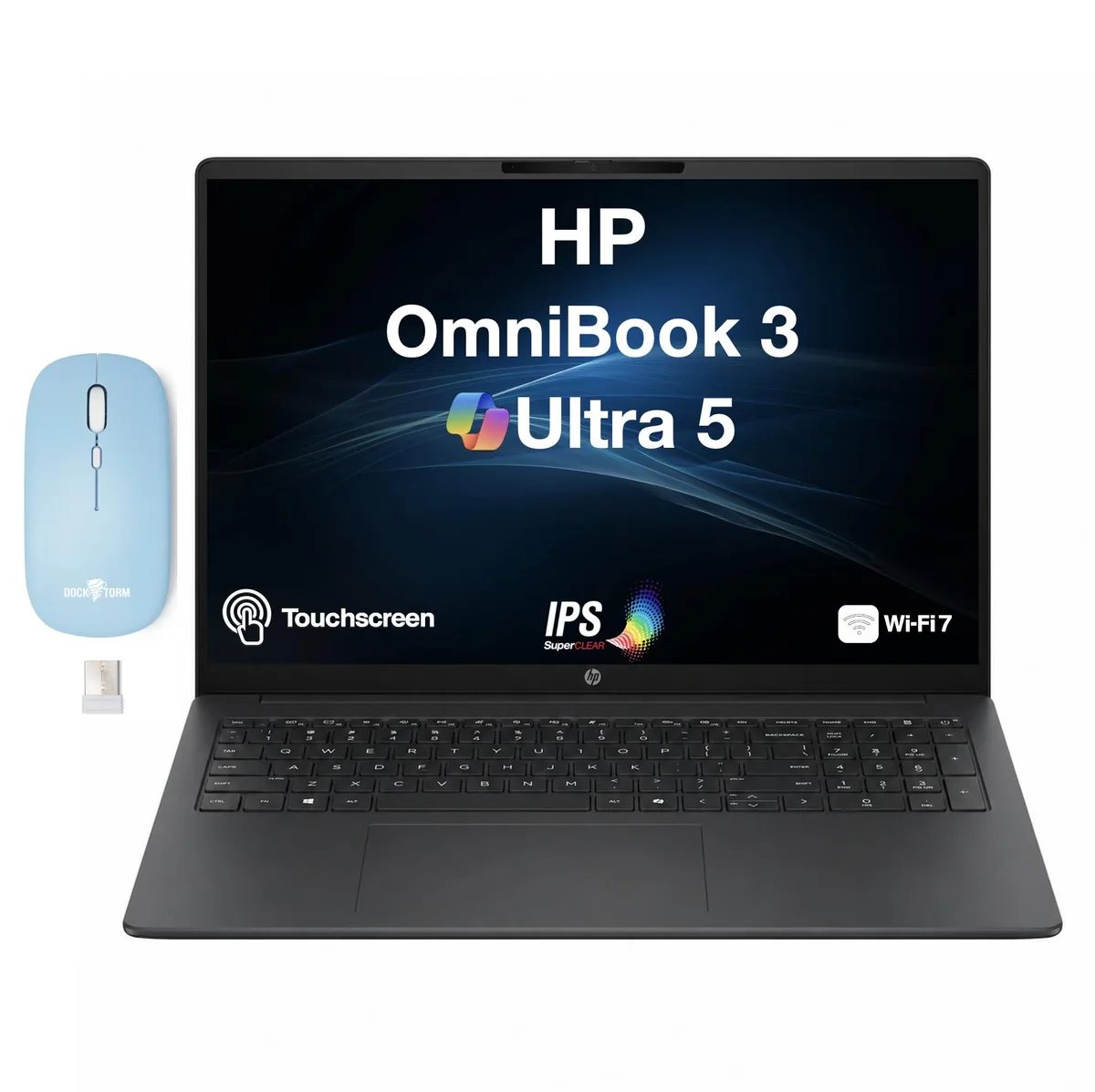
HP OmniBook 3 laptop Intel Core Ultra 5-225U 8GB DDR5 512GB PCIe SSD 16.0" touchscreen Silver
A 16.0" IPS touchscreen laptop with a 1.50 GHz Intel Core Ultra 5-225U, 8GB DDR5, 512GB PCIe SSD and Windows 11 Pro
- ColorSilver
- Operating SystemWindows 11 Pro
- CPU TypeIntel Core Ultra 5 (Series 2)
- Turbo Frequency4.8 GHz
- CPU L3 Cache12MB Cache
- Screen Size16.0"
- 0" IPS WUXGA touchscreen for precise interaction
- Intel Core Ultra 5-225U up to 4.8 GHz handles demanding workloads
- 8 GB DDR5 memory keeps multitasking responsive
- 512 GB PCIe NVMe SSD loads apps quickly
- WiFi 7 and Bluetooth 5.4 give fast wireless connectivity
16.0" WUXGA touchscreen laptop
The HP OmniBook 3 is a 16.0-inch Windows 11 Pro laptop with a 1920x1200 IPS touchscreen. It runs on an Intel Core Ultra 5-225U processor with 12 MB cache and a 4.8 GHz turbo frequency. Integrated Intel Graphics handle the display output. The chassis measures 0.8 inches thin and weighs 3.8 lb.
Suits mobile professionals needing pen input
This configuration suits users who want a large 16:10 touchscreen for annotation or presentations in a light 3.8 lb body. Buyers who need more than 8 GB of memory or a discrete GPU for heavy rendering should look elsewhere. The 512 GB PCIe SSD offers fast storage but leaves no internal bay for a second drive.
8 GB DDR5 soldered memory
The system ships with 8 GB of DDR5 SO-DIMM memory. This capacity is fixed and cannot be upgraded after purchase. Buyers who anticipate running virtual machines or large datasets must decide if 8 GB meets their workload before ordering.
Highlights
- 0" IPS WUXGA touchscreen for precise interaction
- Intel Core Ultra 5-225U up to 4.8 GHz handles demanding workloads
- 8 GB DDR5 memory keeps multitasking responsive
- 512 GB PCIe NVMe SSD loads apps quickly
- WiFi 7 and Bluetooth 5.4 give fast wireless connectivity
Specifications
| Brand | HP |
|---|---|
| Series | OmniBook |
| Color | Silver |
| Operating System | Windows 11 Pro |
| CPU Type | Intel Core Ultra 5 (Series 2) |
| Turbo Frequency | 4.8 GHz |
| CPU L3 Cache | 12MB Cache |
| Screen Size | 16.0" |
| Touchscreen | Yes |
| Resolution | 1920x1200 |
| GPU/VPU | Intel Graphics |
| Graphic Type | Integrated Card |
| SSD | 512 GB |
| HDD | No |
| Storage Spec | 512GB PCIe SSD |
| Memory | 8GB |
| Memory Speed | DDR5 |
| Optical Drive Type | No |
| WLAN | 802.11be |
| Bluetooth | Bluetooth 5.4 |
| HDMI | 1 x HDMI 2.1 |
| Audio Ports | 1 x Headphone/Microphone Combo Jack |
| Keyboard | Standard |
| Backlit Keyboard | Non-backlit |
| Webcam | Yes |
| Card Reader | No |
| Style | Standard |
| Type | Work / Business |
Questions about this item
How loud or hot does the Ultra 5-225U get when the 16.0" touchscreen runs all day?
The 15th Gen Ultra 5-225U has a 45W PSU and a 3-cell 41 WHr battery; sustained load will draw up to the 45W adapter limit, so fan noise and surface temperature rise with workload.
What must I already own to use the two USB 3.1 Type-C ports and HDMI 2.1 on this laptop?
You need USB-C peripherals or a USB-C hub for the two USB 3.1 Type-C ports, and an HDMI 2.1 cable plus a compatible monitor for the HDMI 2.1 output.
Will my older USB 3.0 Type-A drives work with the two USB 3.0 Type-A ports on this Silver OmniBook 3?
Yes, the two USB 3.0 Type-A ports are backward compatible with earlier USB-A devices, so existing flash drives, mice and hard drives will connect and operate.
New to this? Buying a laptop with crypto, start to finish — what to check, what it costs to pay, and what is never asked for.
Also in this aisle
People compared these
Same shelf, same checkout — eight coins and a 30-minute rate lock.


