


HP
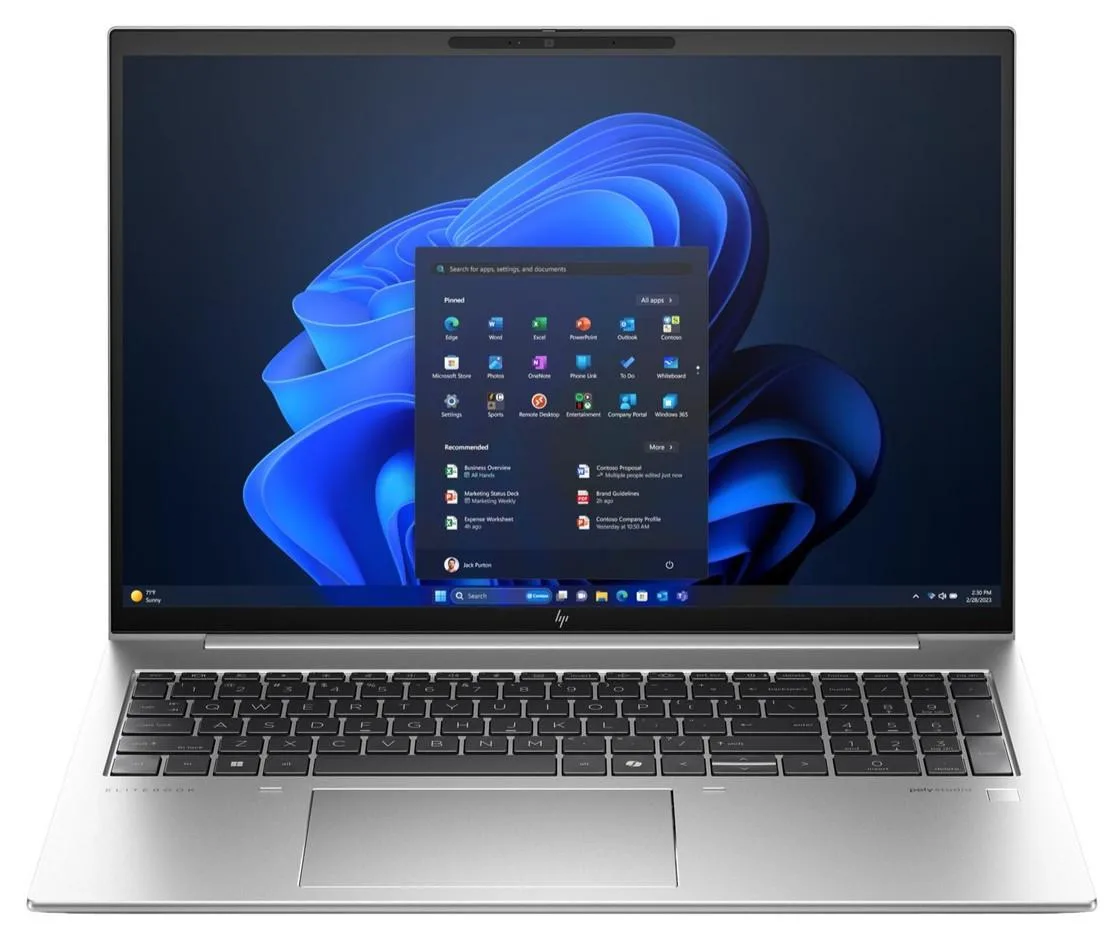
HP EliteBook 860 G11 16 2-in-1 Core Ultra 7 165U 16GB 512GB
A 16-inch 2-in-1 laptop with a Core Ultra 7 165U processor, 16 GB RAM and a 512 GB SSD running Windows 11 Pro
- Screen SizeNo
- 16-inch WUXGA display gives 1920 x 1200 resolution
- Intel Core Ultra 7 165U reaches 4.90 GHz boost
- 16 GB memory supports multitasking workloads
- 512 GB SSD provides fast storage access
- 2-in-1 form factor adds touchscreen flexibility
16-inch 2-in-1 workstation
The HP EliteBook 860 G11 is a 16-inch convertible laptop built around an Intel Core Ultra 7 165U processor with integrated graphics. It ships with 16 GB of memory and a 512 GB solid-state drive running Windows 11 Pro. The WUXGA display reaches a maximum resolution of 1920 x 1200 and supports touch input for tablet-style use.
Upgrade path from older ultraportables
This model replaces earlier 16-inch business convertibles that used previous-generation Intel Core processors and slower integrated graphics. The jump is worth it when you need the higher 4.90 GHz boost clock, the newer Core Ultra architecture and a larger 16-inch screen in a single device. Buyers who want discrete graphics or more than 16 GB of soldered memory should look elsewhere.
Check memory and storage expandability
Verify whether the 16 GB of RAM is soldered or socketed before planning any future upgrade. Confirm the 512 GB SSD form factor and interface to match a replacement drive. Ensure your docking station and peripherals work with the port selection on this chassis. The IR camera and fingerprint reader require Windows Hello enrollment after first boot.
Highlights
- 16-inch WUXGA display gives 1920 x 1200 resolution
- Intel Core Ultra 7 165U reaches 4.90 GHz boost
- 16 GB memory supports multitasking workloads
- 512 GB SSD provides fast storage access
- 2-in-1 form factor adds touchscreen flexibility
Specifications
| Series | HP EliteBook |
|---|---|
| Model | HP EliteBook 860 G11 |
| Screen Size | No |
Questions about this item
What are the screen size and resolution of the EliteBook 860 G11?
The 2-in-1 has a 16 in display with a maximum resolution of 1920 x 1200.
How do I upgrade the RAM or SSD on the EliteBook 860 G11?
Remove the bottom cover screws, lift the panel carefully, then insert the new modules into the accessible slots.
Which components can be replaced later on the EliteBook 860 G11?
The design allows both RAM and SSD upgrades when more memory or storage is needed.
New to this? Buying a laptop with crypto, start to finish — what to check, what it costs to pay, and what is never asked for.
Also in this aisle
People compared these
Same shelf, same checkout — eight coins and a 30-minute rate lock.


