
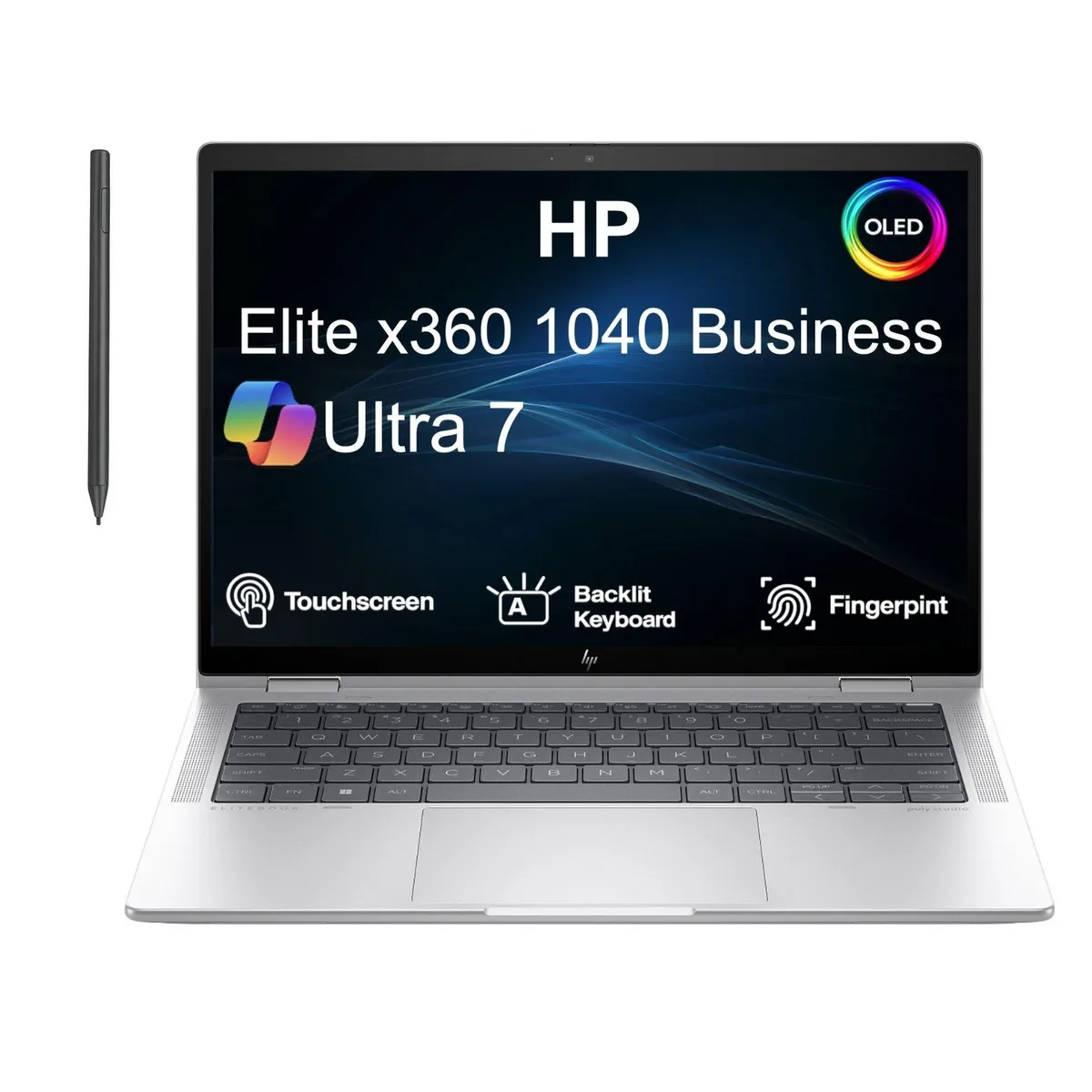


HP
HP Elite x360 1040 G11 14" 2.8K Touch Ultra 7-155H 32GB 1TB 2-in-1 laptop
A 14-inch 2.8K touch 2-in-1 laptop with an Intel Ultra 7-155H processor, 32 GB RAM and a 1 TB SSD
- Screen SizeNo
- 8K touch display at 2880 x 1800 for sharp detail
- Intel Ultra 7-155H processor at 1.4 GHz for responsive performance
- 32 GB memory and 1 TB SSD for fast multitasking
- 360-degree hinge enables laptop tablet and tent modes
- Two Thunderbolt 4 ports plus HDMI for versatile connectivity
Versatile 2-in-1 Design
The HP Elite x360 1040 G11 is a 14 inch convertible laptop with a 2880 x 1800 resolution touchscreen. It runs Windows 11 on an Intel Ultra 7-155H processor with 32 GB of RAM and a 1 TB SSD. The 360-degree hinge supports laptop, tablet, tent and stand modes for flexible working.
Sustained Workload Behaviour
Integrated Intel Arc graphics share system memory with the processor during extended sessions. The 1.4 GHz base clock provides a consistent foundation for long compile jobs or large spreadsheet calculations. Thermal management balances performance and acoustics inside the 0.9 inch thick aluminium chassis over hours of use.
Deciding Specification
The 32 GB of soldered memory cannot be upgraded after purchase. Buyers who anticipate heavier multitasking or virtualisation workloads should verify this capacity meets their future needs before committing. The fixed configuration suits professionals who prioritise portability and immediate readiness over expandability.
Highlights
- 8K touch display at 2880 x 1800 for sharp detail
- Intel Ultra 7-155H processor at 1.4 GHz for responsive performance
- 32 GB memory and 1 TB SSD for fast multitasking
- 360-degree hinge enables laptop tablet and tent modes
- Two Thunderbolt 4 ports plus HDMI for versatile connectivity
Specifications
| Series | HP Elite x360 |
|---|---|
| Model | HP Elite x360 1040 G11 |
| Screen Size | No |
Questions about this item
How loud does the fan get when the Ultra 7-155H runs at full load all day?
The 3.1 lb chassis uses a vapour-chamber cooler that keeps the Ultra 7-155H near its 1.4 GHz base clock under sustained load, so fan noise stays at a low office hum rather than a whine.
Which dock or monitor cables must I already own to drive two external 4K screens through the Thunderbolt 4 ports?
Each Thunderbolt 4 port carries DisplayPort 1.4 alt-mode; you only need two USB-C to DisplayPort or USB-C to HDMI 2.1 cables — no proprietary dock required.
Will my older USB-A 3.0 flash drives and HDMI 1.4 monitor work at full speed with the single USB-A and HDMI ports?
The USB 3.2 Gen 2 Type-A port runs at 10 Gbit/s, so USB 3.0 drives hit their native 5 Gbit/s limit, and the HDMI 2.1 output down-negotiates cleanly to 1080p 60 Hz on an HDMI 1.4 display.
New to this? Buying a laptop with crypto, start to finish — what to check, what it costs to pay, and what is never asked for.
Also in this aisle
People compared these
Same shelf, same checkout — eight coins and a 30-minute rate lock.


