


HP
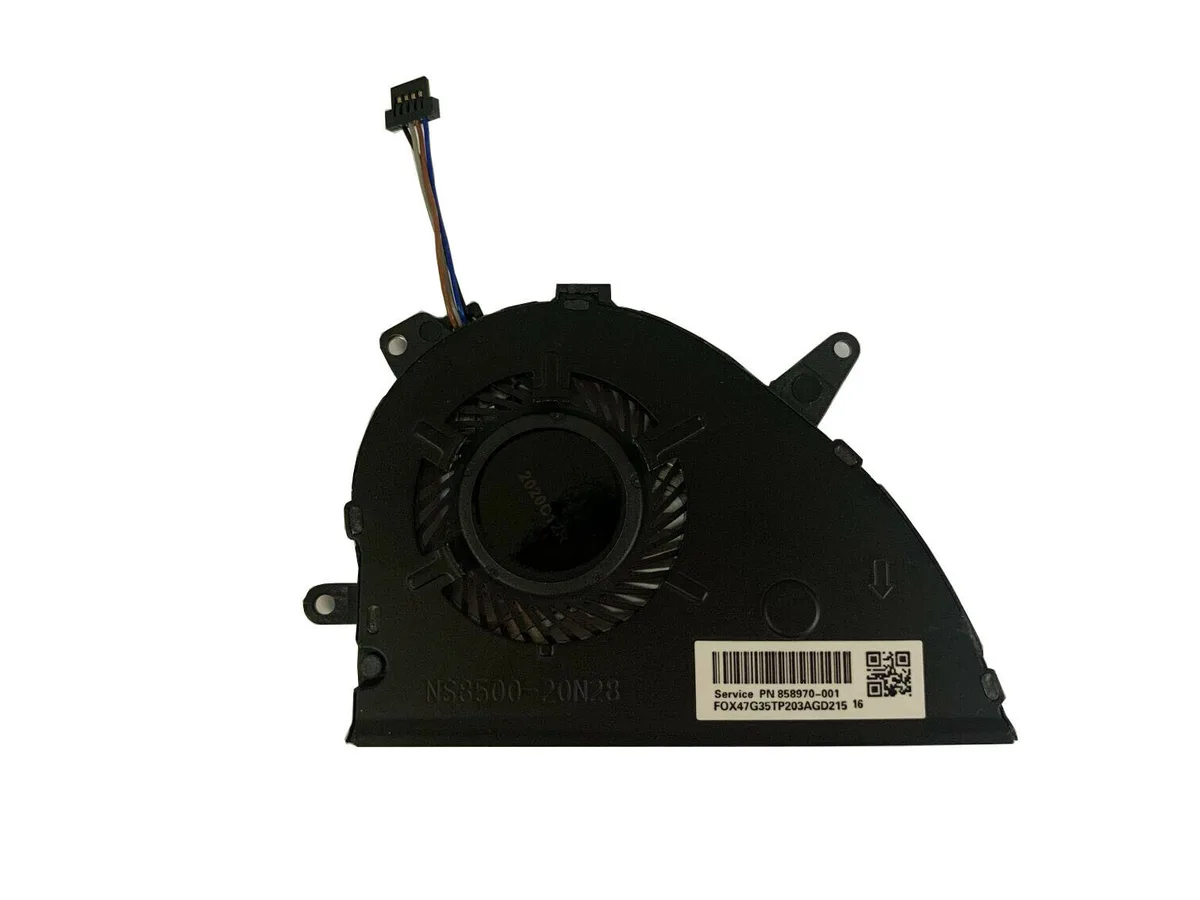
HP CPU Cooling Fan L25584-001 L27902-001 L25588-001 NS85B00-17K24
Replaces the CPU cooling fan in compatible HP Pavilion laptops using a 4-pin 5 V connection
- Direct replacement for HP 15-CS laptops using part L25584-001
- 4-pin power connector ensures reliable motherboard communication
- 5 V operation matches original thermal design specifications
- Black plastic housing fits Pavilion NS85B00-17K24 chassis precisely
HP CPU Cooling Fan for Pavilion 15-CS
This replacement CPU cooling fan fits HP Pavilion 15-CS series laptops including model 15-CS0051WM. It matches part numbers L25584-001, L25588-001, L27902-001 and NS85B00-17K24. The unit is designed for owners of these specific HP notebooks who need to replace a worn or noisy original cooler. It is not suitable for other laptop brands or HP series outside the listed compatibility.
Thermals noise and power draw in normal use
The fan runs on a 5 V supply through a standard 4-pin connector, drawing minimal power from the system. Its plastic frame and blade assembly keep operating noise low during typical office or browsing workloads. The direct-fit design maintains the original thermal path without modification. No additional wiring or adapter is required for installation.
Highlights
- Direct replacement for HP 15-CS laptops using part L25584-001
- 4-pin power connector ensures reliable motherboard communication
- 5 V operation matches original thermal design specifications
- Black plastic housing fits Pavilion NS85B00-17K24 chassis precisely
Specifications
No published specifications for this item yet.
Questions about this item
How is the 4-pin power connector attached when installing this fan?
Align the 4-pin plug with the motherboard header and press straight down until it clicks; forcing it at an angle bends the pins.
What maintenance will this CPU fan need later?
Clean dust from the plastic blades and vents every few months with compressed air; if bearing noise appears, replace the fan unit.
Also in this aisle
People compared these
Same shelf, same checkout — eight coins and a 30-minute rate lock.


Case Logic
Case Logic 3203990 briefcase for 15.6 in laptop with 10.1 in tablet pocket
$30.99
0.00037232BTC
In stock