


GCROWN
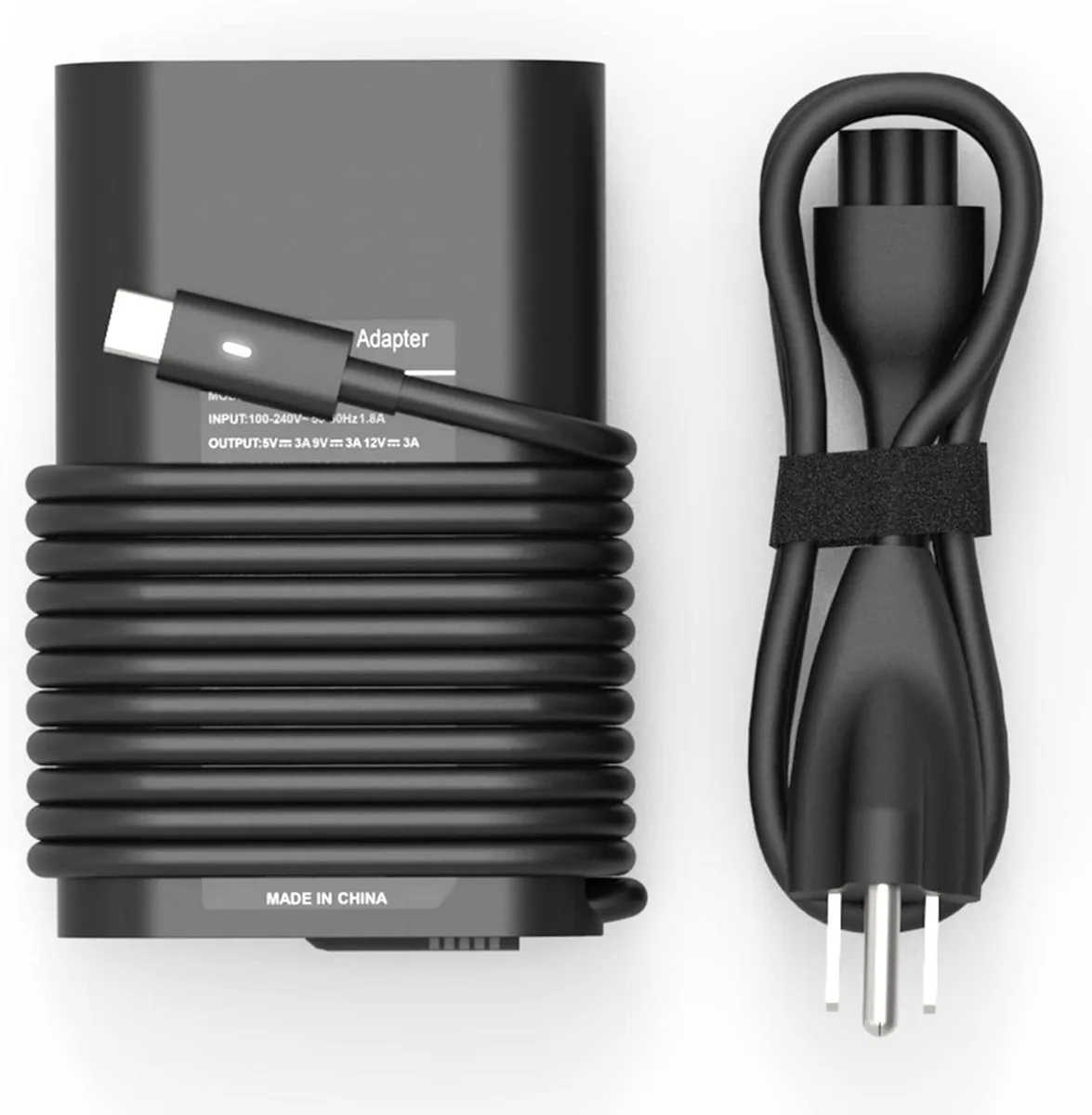
GCROWN 65W USB-C Laptop Charger for Dell Latitude XPS Chromebook
65W USB-C power adapter compatible with numerous Dell Latitude, XPS, Chromebook, Vostro and Inspiron models
- Battery TypeLithium-Ion
- 65W USB-C power delivery charges compatible Dell laptops quickly
- Multiple voltage steps from 5V to 20V match diverse device needs
- Works with XPS 13, Latitude, Chromebook 3100 and Inspiron models
- Replaces Dell part numbers including LA65NM170 and DA65NM190
- Universal 100-240V input suits worldwide mains voltage
GCROWN 65W USB-C Charger for Dell
This GCROWN USB-C adapter delivers 65 watts of power and accepts 100–240 V input, making it suitable for Dell laptops that charge via USB-C. It covers a wide range of XPS, Latitude, Vostro, Inspiron and Chromebook models listed by the supplier.
Users with compatible Dell USB-C laptops
Buyers whose Dell laptop uses a barrel-type power connector or a proprietary docking pin cannot use this adapter. It is also not intended for non-Dell brands or for devices that require more than 65 watts.
65W multi-voltage USB-C output
The adapter provides selectable outputs of 5 V 3 A, 9 V 3 A, 12 V 3 A, 15 V 3 A, 18 V 3 A and 20 V 3.25 A, matching the 65 W and 45 W Dell part numbers listed in the compatibility data.
Highlights
- 65W USB-C power delivery charges compatible Dell laptops quickly
- Multiple voltage steps from 5V to 20V match diverse device needs
- Works with XPS 13, Latitude, Chromebook 3100 and Inspiron models
- Replaces Dell part numbers including LA65NM170 and DA65NM190
- Universal 100-240V input suits worldwide mains voltage
Specifications
| Battery Type | Lithium-Ion |
|---|
Questions about this item
What connector does the 65W charger use to plug into my Dell laptop?
It uses a USB-C connector that fits the USB-C charging port on compatible Dell Latitude, XPS, Chromebook, Vostro and Inspiron models.
How do I install the charger, and what step do people often miss?
Connect the AC cord to the adapter, plug it into a 100-240V outlet, then insert the USB-C plug firmly until it clicks; the step often missed is ensuring the plug is fully seated so the 20V 3.25A output engages.
When will I need to replace the power cord or adapter?
Replace the detachable AC cord if the insulation frays or the plug loosens; replace the adapter itself if output voltage drops below the rated 5V, 9V, 12V, 15V, 18V or 20V levels.
Also in this aisle
People compared these
Same shelf, same checkout — eight coins and a 30-minute rate lock.


Case Logic
Case Logic 3203990 briefcase for 15.6 in laptop with 10.1 in tablet pocket
$30.99
0.00037276BTC
In stock