


GCROWN
GCROWN 2-in-1 DisplayPort KVM Switch 8K60Hz 4K144Hz DP 1.4
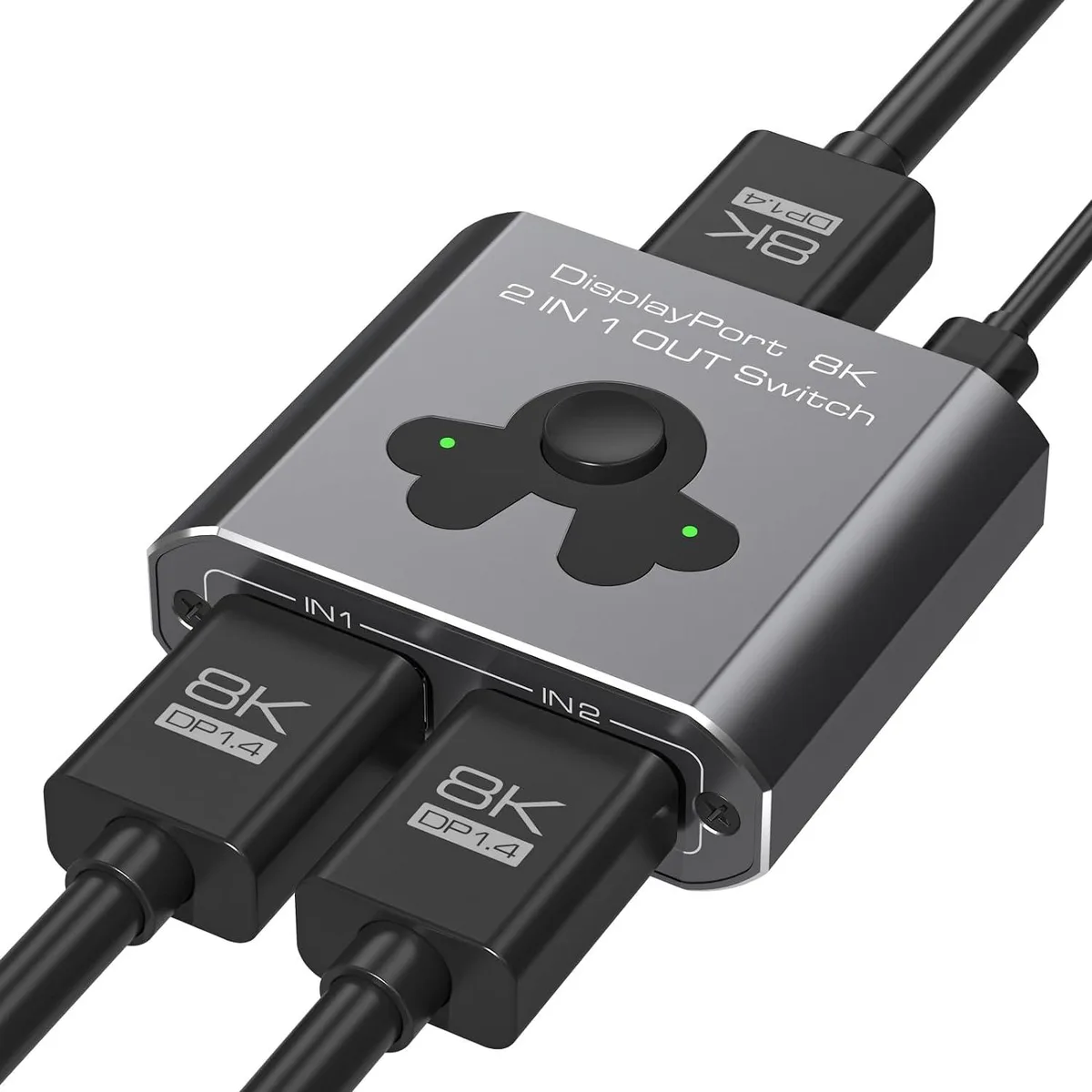
A two-port DisplayPort 1.4 KVM switch supporting 8K at 60 Hz and 4K at 144 Hz for quick source switching
- TypeKVM Switch
- Switch between two DisplayPort sources with front-panel buttons
- Supports 8K at 60 Hz and 4K at 144 Hz for high-resolution workflows
- Plug-and-play operation requires no driver installation
- HD audio pass-through maintains sound quality alongside video
- Built with upgraded high-performance chip for stable signal transmission
Two-source DP 1.4 KVM switch
This DisplayPort 1.4 KVM switch connects two source devices to a single monitor or projector. It is built for users who need to share one display between a desktop PC and a laptop, or between a workstation and a gaming rig, without swapping cables. The unit operates plug-and-play with no driver installation required. A front-panel button selects the active source instantly.
Bandwidth and cable-length limits
The switch passes DisplayPort 1.4 signals up to the standard’s native bandwidth ceiling. To reach the highest supported timings the total cable run from each source to the switch and onward to the display should not exceed 3 metres. Longer cables or lower-quality links can reduce the achievable resolution or cause signal drop-outs. All connected hardware must also implement the same DP revision.
8K 60 Hz and 4K 144 Hz headroom
The switcher handles 8K at 60 Hz and 4K at 144 Hz when every link in the chain — sources, cables and display — supports those modes. If any component is limited to a lower tier the system will negotiate the best common timing, which may be 4K at 60 Hz or below. Buyers whose displays or GPUs do not reach 8K or high-refresh 4K will not benefit from the headroom this switch provides.
Highlights
- Switch between two DisplayPort sources with front-panel buttons
- Supports 8K at 60 Hz and 4K at 144 Hz for high-resolution workflows
- Plug-and-play operation requires no driver installation
- HD audio pass-through maintains sound quality alongside video
- Built with upgraded high-performance chip for stable signal transmission
Specifications
| Type | KVM Switch |
|---|
Questions about this item
How do I pick between the two DisplayPort sources connected to the switch?
Use the buttons on the switch to select which of the two connected sources is sent to the monitor.
What does the 8K60Hz rating mean when I plug it into my PC and monitor?
The switch can pass an 8K signal at 60Hz, but only if the source device, monitor and DisplayPort 1.4 cables all support that resolution and refresh rate.
What does the DisplayPort 1.4 interface cap in practice?
It limits the maximum supported resolution and refresh rate to 8K at 60Hz or 4K at 144Hz, provided cables are no longer than 3 metres.
Also in this aisle
People compared these
Same shelf, same checkout — eight coins and a 30-minute rate lock.


Black Box Corporation
Black Box Corporation 4K60 HDMI Dual-Head KVM Switch 4 Port
$774.99
0.0093196BTC
In stock