

Fans
Fans ThinkPad X260 CPU Cooling Fan 00UP171 laptop cooling pad
New original heatsink with fan cools the Lenovo ThinkPad X260 CPU
- Compatible with ThinkPad X260 for direct replacement
- Includes heatsink and fan assembly for complete cooling
- New original part ensures reliable thermal performance
- Matches part numbers 00UP171 BAZC0606R5H P005
ThinkPad X260 CPU Cooling Fan
This original heatsink with integrated fan is designed specifically for the Lenovo ThinkPad X260 laptop. It replaces the internal cooling assembly to restore proper thermal management for the processor. The part matches manufacturer specifications for direct installation.
Replacement heatsink for X260 thermal maintenance
The cooler handles standard operating temperatures for the supported laptop model during typical workloads. It is not intended for systems requiring higher airflow than the original design provides or for use in other laptop models. Buyers needing a different form factor or enhanced cooling capacity should look elsewhere.
Highlights
- Compatible with ThinkPad X260 for direct replacement
- Includes heatsink and fan assembly for complete cooling
- New original part ensures reliable thermal performance
- Matches part numbers 00UP171 BAZC0606R5H P005
Specifications
No published specifications for this item yet.
Questions about this item
Will the heatsink with fan 00UP171 fit inside my ThinkPad X260 without modifying the chassis?
The part is listed as a new original heatsink with fan for the ThinkPad X260, matching part numbers 00UP171, BAZC0606R5H and P005, so it aligns with the factory mounting points.
How can I confirm the replacement fan is spinning correctly after I install it?
After fitting the heatsink, power on the X260 and listen for the fan ramp-up; the BIOS hardware monitor or Lenovo Vantage will show a live RPM reading that should rise with CPU load.
More in Laptop Cooling Pads
Similar items
Same shelf, same checkout — eight coins and a 30-minute rate lock.


AICHESON
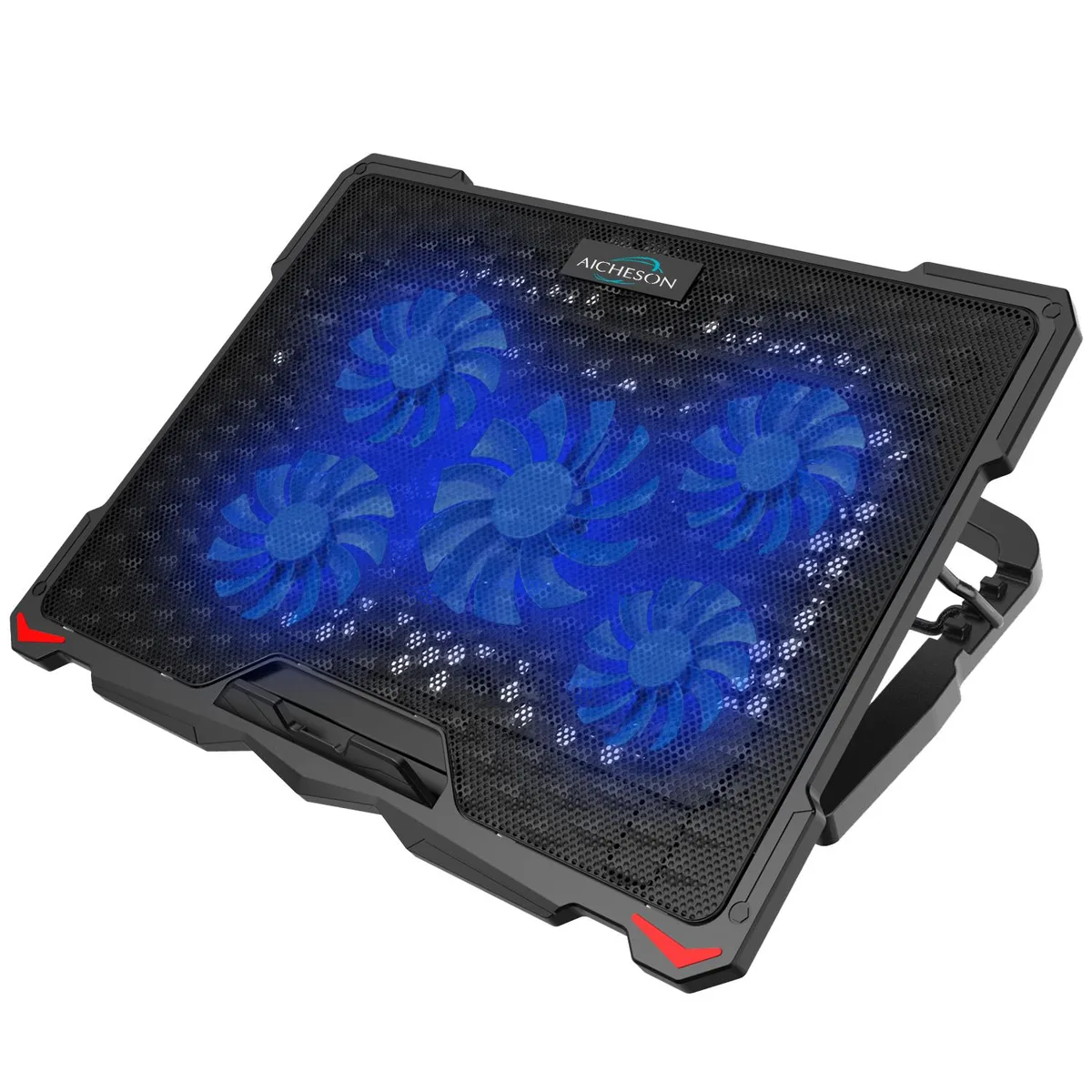
AICHESON S035 laptop cooling pad 5 fans 17.3 inch blue LED 2 USB
- Cooler
- Black/Blue
$21.99
0.0002615BTC
In stock

AICHESON
AICHESON S035 5-Fan Laptop Cooling Pad Blue Lights
- Cooler
- Black/Blue
$21.99
0.0002615BTC
In stock
Mount-It
Mount-It ADIB01HSJPVV8 MI-4352LT laptop cooling pad 14" x 11.8" tray 17" 22 lbs 90° tilt 17.7" pole 4" clamp
- Riser
$44.99
0.00053502BTC
In stock
Heayzoki DR-S05 Laptop Cooling Pad Dual Fan USB 5.6V Blue LED
- 43201619
- 1 cm x 1 cm x 1 cm
$21.99
0.0002615BTC
In stock