


Fairy Tales Hair Care
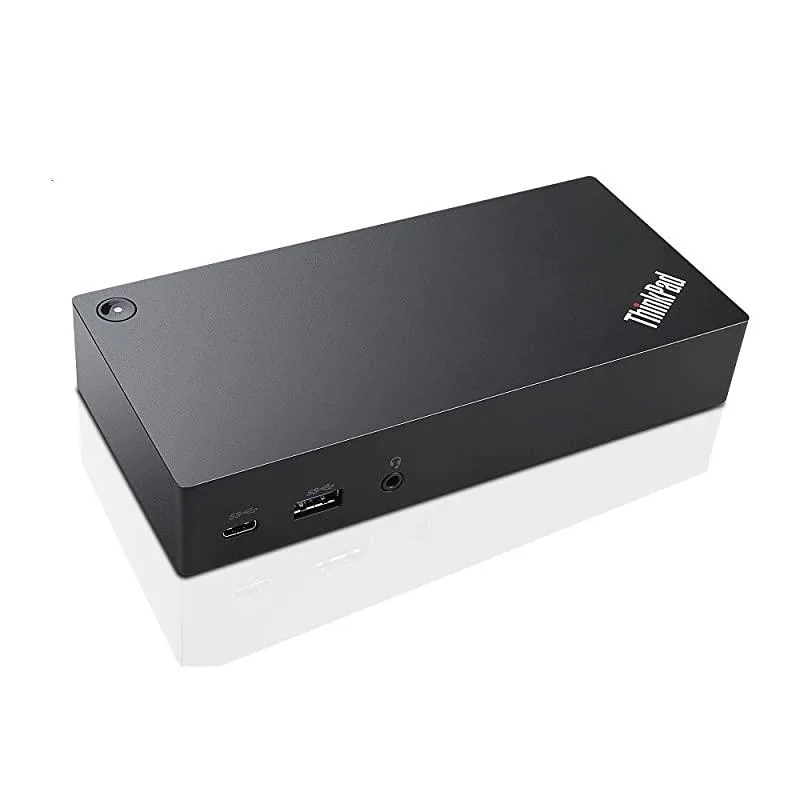
Fairy Tales Hair Care ThinkPad USB-C UltraDock 90W 2-Prong AC Adapter 40A90090US
USB-C docking station adds 3× USB 3.0, 2× USB 2.0, USB-C, dual DisplayPort, Ethernet and headset jack while delivering up to 60 W power to compatible ThinkPad models
- Single UHD display at 30 Hz for vivid video
- Dual FHD display support expands your workspace
- 90 W AC adapter delivers up to 60 W Power Delivery
- Six USB ports including USB Type-C and two USB 3.0
- Wired Ethernet RJ45 plus 3.5 mm headset jack built in
Universal USB-C Docking Station
The Fairy Tales Hair Care ThinkPad USB-C UltraDock is a new universal docking solution that connects a compatible laptop or tablet through a single USB Type-C port. It delivers video, data, wired network and continuous power to the host device from the included 90W AC adapter. Up to two external displays can be driven simultaneously.
For ThinkPad owners needing legacy ports
It suits users of listed ThinkPad models such as the T470, X1 Carbon 20HR and X1 Tablet 20GG who require three USB 3.0 ports, two USB 2.0 ports, an Ethernet RJ45 jack and a 3.5 mm headset connection. It is not for buyers whose laptops lack video-capable USB-C, such as the Flex series, or for anyone requiring higher refresh rates than the dock supports.
Dual-display video specification
The dock supports a single UHD display at 30 Hz or dual FHD displays, which determines whether the video output meets the buyer's resolution and refresh-rate requirements.
Highlights
- Single UHD display at 30 Hz for vivid video
- Dual FHD display support expands your workspace
- 90 W AC adapter delivers up to 60 W Power Delivery
- Six USB ports including USB Type-C and two USB 3.0
- Wired Ethernet RJ45 plus 3.5 mm headset jack built in
Specifications
No published specifications for this item yet.
Questions about this item
Does my laptop need a USB-C port that carries video to use the ThinkPad USB-C UltraDock?
Yes, the dock connects through a USB Type-C port that must support video output; the Flex series is listed as incompatible because its USB-C ports do not carry video.
Can I keep my USB 2.0 keyboard and mouse while adding the dock’s three USB 3.0 ports?
The dock provides three USB 3.0 ports and two USB 2.0 ports, so existing USB 2.0 peripherals plug straight in and work alongside faster devices.
How do I confirm the dock is delivering up to 60 W of power to my laptop?
When the included 90 W AC adapter is connected, the dock negotiates up to 60 W Power Delivery; your laptop’s battery indicator will show it is charging while docked.
Also in this aisle
People compared these
Same shelf, same checkout — eight coins and a 30-minute rate lock.


Case Logic
Case Logic 3203990 briefcase for 15.6 in laptop with 10.1 in tablet pocket
$30.99
0.00037238BTC
In stock