


DELL
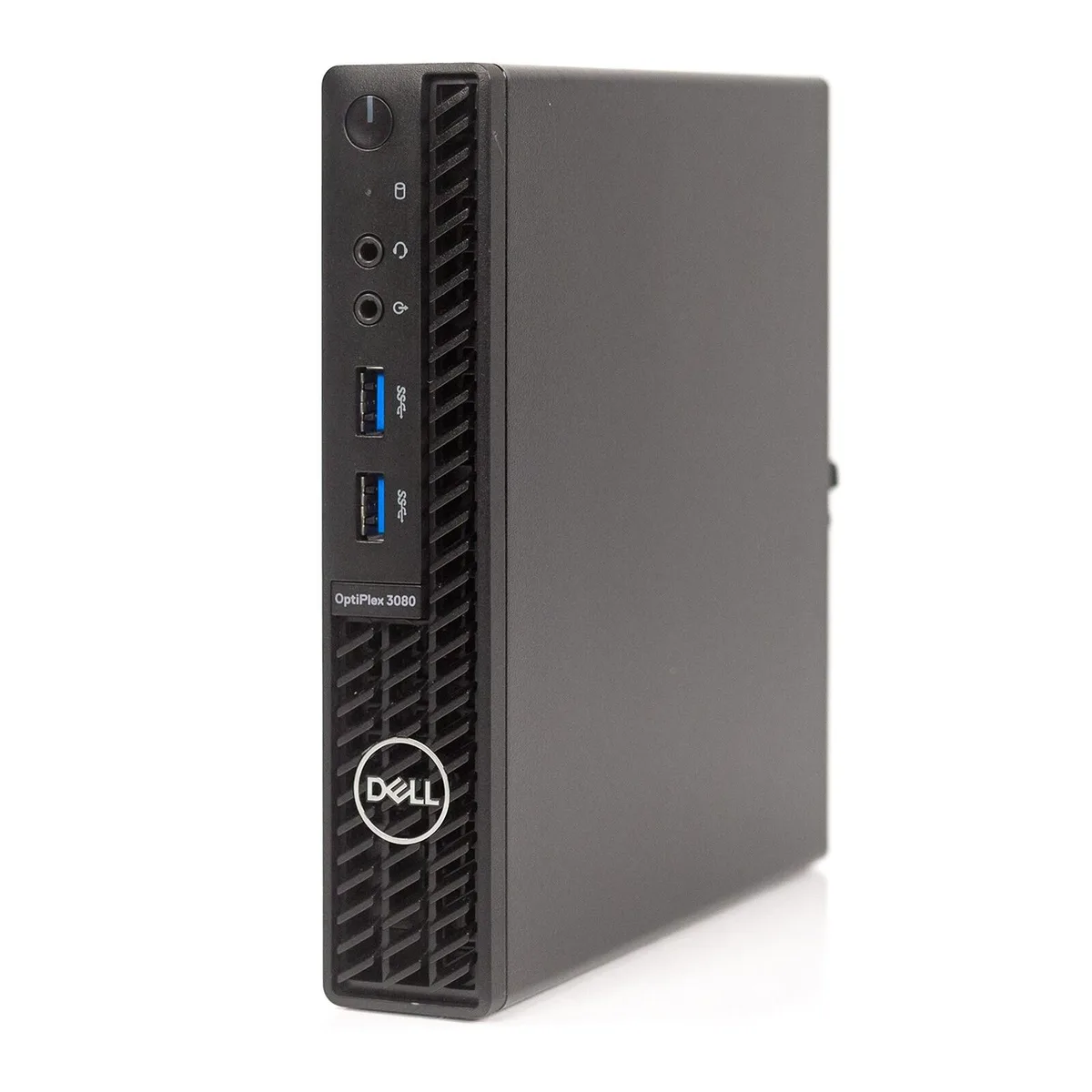
DELL OptiPlex 3080 Micro i5-10500T 2.30GHz 16GB 512GB SSD Windows 11 Pro accessory
A compact desktop with a 2.30 GHz Intel Core i5, 16 GB RAM and 512 GB SSD, ready for office tasks
- Compact Mini PC fits tight workspaces
- 10th Gen Intel Core i5 at 2.30 GHz handles office tasks
- 16 GB RAM keeps multiple apps responsive
- 512 GB SSD boots Windows 11 Pro quickly
- DisplayPort and HDMI drive two monitors
Dell OptiPlex 3080 Micro Desktop
The Dell OptiPlex 3080 Micro is a compact desktop system powered by an Intel Core i5 10th Gen processor running at 2.30 GHz. It includes 16 GB of RAM and a 512 GB SSD with Windows 11 Pro pre-installed. Integrated Intel UHD Graphics 630 drives video output through DisplayPort and HDMI connections.
Suited for office and industrial deployment
This unit fits casual computing, general office tasks and industrial environments where a small footprint is required. Buyers who need a dedicated graphics card or internal expansion slots should consider a larger form factor. The integrated graphics and fixed memory limit suitability for heavy creative workloads.
512 GB SSD storage capacity
The solid-state drive provides 512 GB of capacity for the operating system, applications and local files. This capacity determines how much data can be stored internally before external drives or network shares become necessary.
Highlights
- Compact Mini PC fits tight workspaces
- 10th Gen Intel Core i5 at 2.30 GHz handles office tasks
- 16 GB RAM keeps multiple apps responsive
- 512 GB SSD boots Windows 11 Pro quickly
- DisplayPort and HDMI drive two monitors
Specifications
| Model | Optiplex 3080 Micro |
|---|
Questions about this item
What physical mounting option does the OptiPlex 3080 Micro chassis provide?
The OptiPlex 3080 Micro uses a compact Mini PC form factor designed for VESA mounting behind a monitor or placement on a desk stand.
How is the security lock accessory installed on the OptiPlex 3080 Micro, and what step is often missed?
Insert the lock cable into the Kensington security slot on the chassis and secure the anchor; the step often missed is tightening the screw collar fully to prevent the cable from sliding out.
Which component in the OptiPlex 3080 Micro will most likely need replacement after several years of office use?
The 512 GB SSD is the primary wear item; plan to replace it when SMART data shows high write cycles or capacity drops below workload needs.
Also in this aisle
People compared these
Same shelf, same checkout — eight coins and a 30-minute rate lock.


Case Logic
Case Logic 3203990 briefcase for 15.6 in laptop with 10.1 in tablet pocket
$30.99
0.00037329BTC
In stock