


DELL
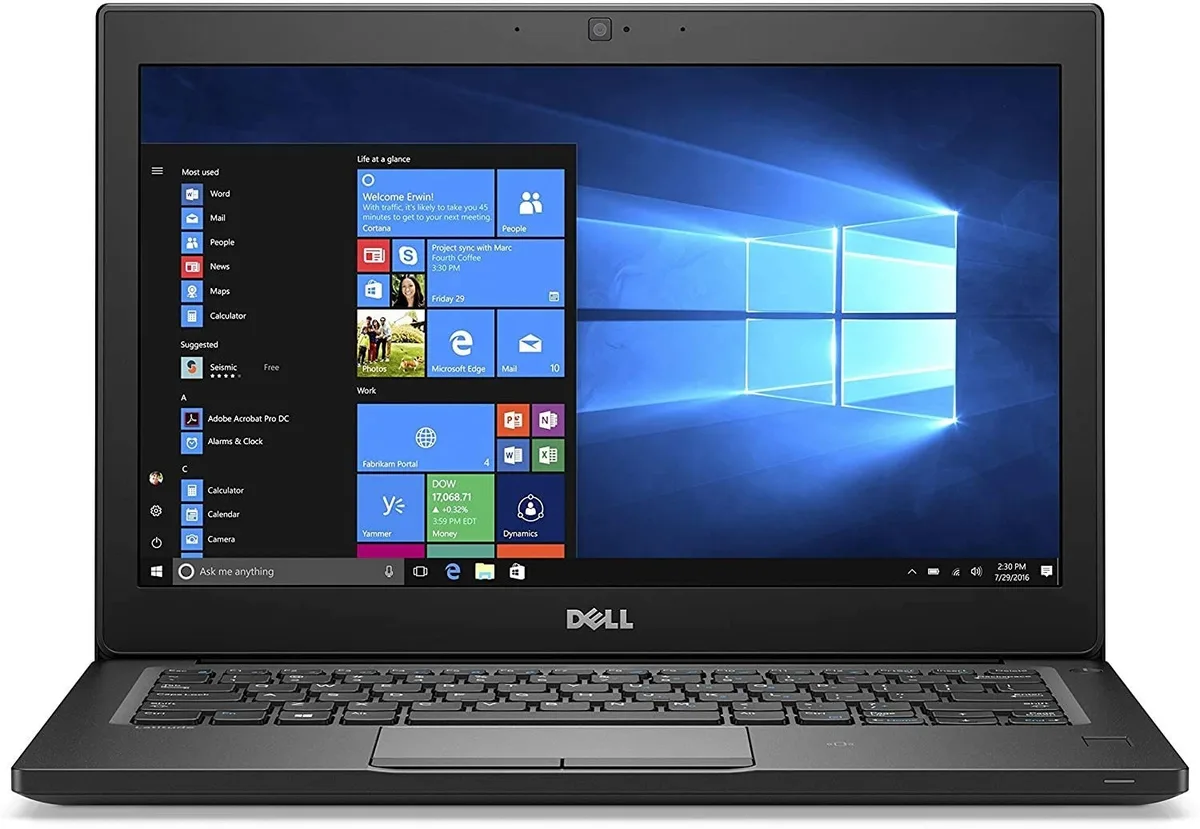
DELL Latitude 7280 12.5" HD i5-7300U 2.60GHz 8GB 512GB SATA Win 10 Pro
A 12.5" anti-glare laptop with an Intel Core i5-7300U processor, 8GB DDR4 memory, 512GB SATA SSD and Windows 10 Pro
- Screen Size12.5"
- Compact 12.5" anti-glare display for mobile productivity
- 7th Gen Intel Core i5-7300U up to 3.50 GHz for responsive performance
- 8 GB DDR4-2133 MHz memory handles multitasking smoothly
- 512 GB SATA SSD provides fast boot and file access
- Windows 10 Pro 64-bit ready for business and education use
Compact business laptop with 12.5" HD screen
The Dell Latitude 7280 is a lightweight 12.5-inch laptop built for mobile professionals and students. It runs on a 7th Gen Intel Core i5-7300U processor at 2.60 GHz with 8GB DDR4 memory and a 512GB SATA SSD. Windows 10 Pro is pre-installed for immediate productivity.
Suited for office tasks, not heavy creative work
This device suits users who need a portable machine for document editing, web browsing, and video calls. The anti-glare 1366x768 display, integrated Intel HD Graphics 620, and 8GB RAM limit its fit for intensive media editing, 3D rendering, or modern gaming. Buyers who want a higher-resolution screen, discrete graphics, or more memory should look elsewhere.
512GB SATA SSD determines storage speed and capacity
The 512GB SATA solid-state drive provides the primary storage volume and governs boot and application load times. It uses the SATA interface rather than a faster protocol, so sustained transfer rates are modest. Verify that this capacity and interface meet your workload before purchasing.
Highlights
- Compact 12.5" anti-glare display for mobile productivity
- 7th Gen Intel Core i5-7300U up to 3.50 GHz for responsive performance
- 8 GB DDR4-2133 MHz memory handles multitasking smoothly
- 512 GB SATA SSD provides fast boot and file access
- Windows 10 Pro 64-bit ready for business and education use
Specifications
| Screen Size | 12.5" |
|---|
Questions about this item
What are the exact dimensions I need to clear for this 12.5-inch chassis?
The laptop measures 12 inches wide, 8.19 inches deep and 0.67 inches high, which converts to 304.8 mm × 207.9 mm × 17.05 mm.
What steps are required to reinstall Windows 10 Pro on this unit?
Create a Windows 10 64-bit installation USB, boot from it via the BIOS menu, select the 512 GB M.2 SATA SSD as the target drive, and complete the setup wizard.
New to this? Buying a laptop with crypto, start to finish — what to check, what it costs to pay, and what is never asked for.
Also in this aisle
People compared these
Same shelf, same checkout — eight coins and a 30-minute rate lock.


