
Canon
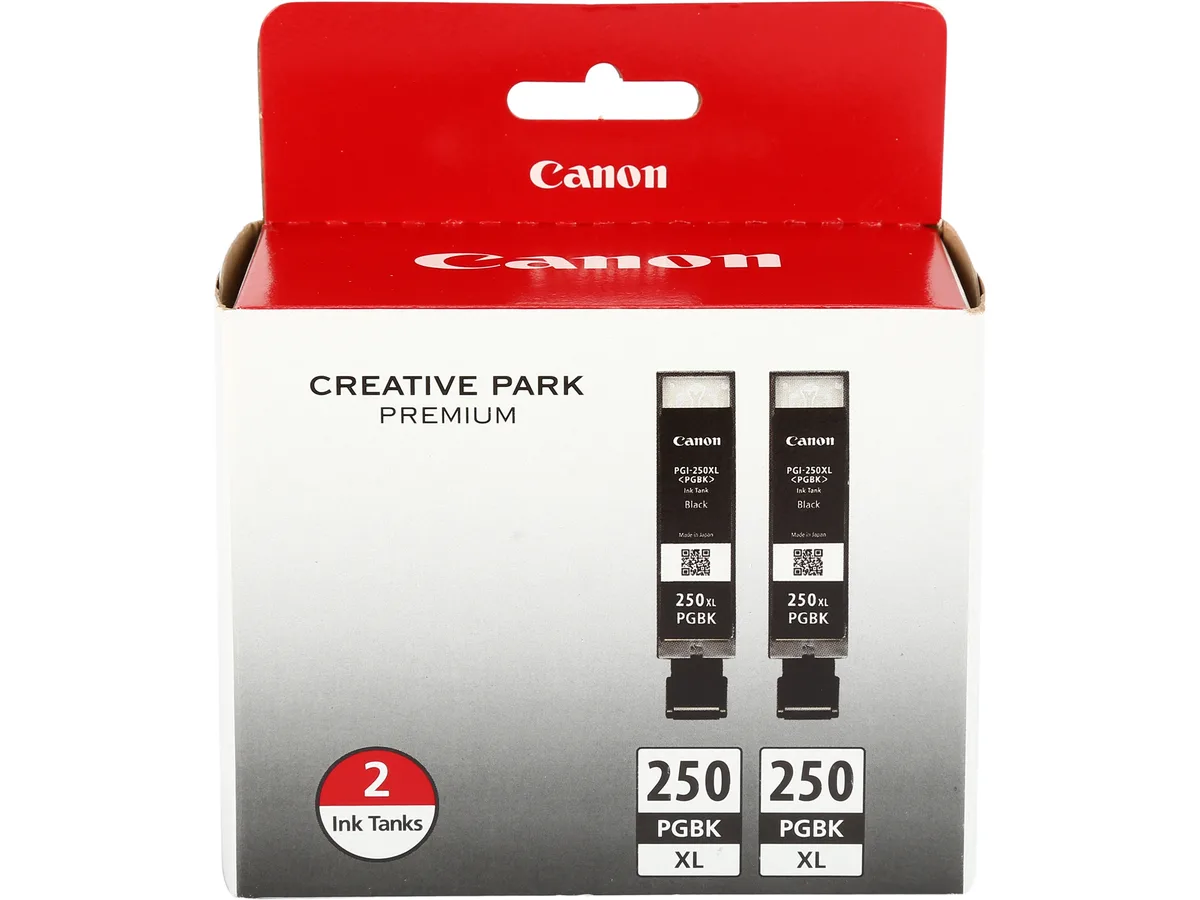
Canon 6432B004 PGI-250 XL Pigment Black Ink Cartridges 2-Pack
- 2 Pack
- Black
$51.99
0.00062462BTC
In stockWe take cryptocurrency — so the coins you hold can buy real hardware.Pay in crypto, spend it on real hardware. Free insured shipping worldwide over $399. Plain, unbranded boxes, sent from Germany.Free insured shipping over $399. Your rate is locked for 30 minutes once checkout opens.Rate locked 30 minutes. Every item sealed, serial-checked and covered by a 24-month warranty.Sealed, 24-month warranty.

Canon
Pigment black ink cartridge yielding about 300 pages for compatible Canon PIXMA printers
Cartridge Color Black
Group Option PGI-250PGBK
This genuine Canon ink tank uses pigment-based ink to produce crisp, smudge-resistant text for professional documents. It is engineered with FINE print-head technology and fits the compatible PIXMA printers listed by the manufacturer. The single cartridge carries model number 6497B001 and is supplied new.
Home-office users and small-business owners who print mainly text on supported PIXMA models will get reliable, archival-quality output. Buyers who need colour inks, high-capacity tanks, or cartridges for non-PIXMA printers should look elsewhere.
The cartridge contains pigment-based black ink rated at approximately 300 pages at five percent coverage. That yield and ink chemistry determine whether the cartridge matches your print volume and document-durability requirements.
| Brand | Canon |
|---|---|
| Model | PGI-250 BK (6497B001) |
| Part Number | 6497B001 |
| Cartridge Quantity | Single Pack |
| Cartridge Color | Black |
| Compatible Products | PIXMA MG5420, PIXMA MG5422, PIXMA MG5520, PIXMA MG5522, PIXMA MG6320, PIXMA MG6420, PIXMA MG7120, PIXMA MX722, PIXMA MX922, PIXMA iP7220, PIXMA iP8720, PIXMA iX6820 |
| Ink Type | Pigment-based |
| Coverage | @ 5% |
| Features | This Pigment Black Ink Tank produces professional document quality with crisp, smudge-resistant text. Designed with FINE (Full Photolithographic Inkjet Nozzle Engineering) technology, your prints will realize added sharpness, detail and quality. Plus, when printing with genuine Canon inks and photo papers the ChromaLife100+ system gives you beautiful, long-lasting photos. The Smart LED system features a lit Canon logo so you know when the ink tank is installed correctly. Plus, these individual ink tanks can help reduce waste and save you money by only replacing the color that runs ou |
| Shipping weight | 0.05 kg |
| Package size | 147 × 69 × 30 mm |
Other versions of this model
Same family, different memory, cooler or clock — compare before you commit.
Open the printer cover, wait for the carriage to centre, press the old tank's release tab, lift it out, remove the orange cap and tape from the new PGI-250, slide it in until it clicks, then close the cover; the step people skip is removing both the cap and the protective tape before insertion.
The cartridge itself is replaced once its approx. 300-page yield at 5 % coverage is reached; the printer will prompt you when ink runs low, and no separate print-head cleaning kit is required for this pigment black tank.
The ink supply runs out after roughly 300 pages at 5 % coverage, which is the first hard limit you will hit during sustained use.
Also in this aisle
Same shelf, same checkout — eight coins and a 30-minute rate lock.
What you pay in, and what you read prices in.
Sent from your wallet at checkout
Display only — the catalogue is priced in USD
No currency matches that.
New here?
Already have one?
There is no automatic reset: this shop sends no mail, so there is no one-time link to ask for. Leave the address on the account and it gets picked up by hand.
Request noted
Nothing is on its way to your inbox — this shop sends no mail at all. Someone picks these up by hand.
Remembered it?


