


Canon
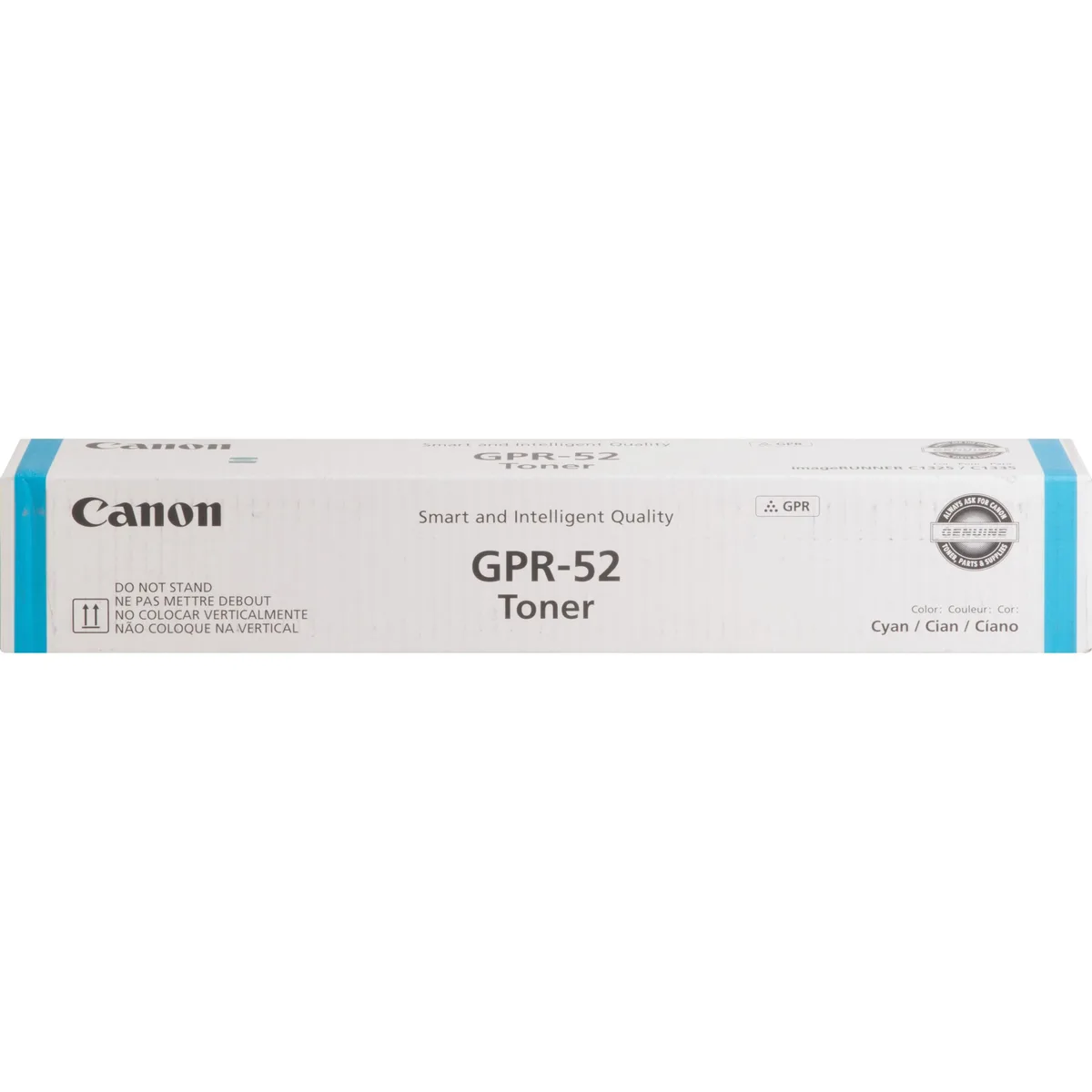
Canon GPR-52 Cyan Toner Cartridge 11500 Pages
Cyan toner cartridge yields approximately 11,500 pages for Canon imageRunner C1325iF and C1335iF printers
- Product TypeToner
- Weight0.45
- FeaturesSold as 1 Each.
- Yields approximately 11,500 pages for long print runs
- Designed for Canon imageRunner C1325iF and C1335iF models
- Original Canon toner ensures consistent high-quality output
- Easy-to-install cartridge design saves setup time
- Supplied as a single cyan unit
Genuine Cyan Toner for Canon imageRunner
The Canon GPR-52 cyan toner cartridge is built for the imageRunner C1325iF and C1335iF laser printers. It delivers consistent colour output across approximately 11500 pages. The single-unit pack installs quickly to keep workflow moving in busy offices.
Replaces Empty Cyan Cartridges in Compatible Models
This cartridge replaces a depleted cyan supply in the listed imageRunner devices. The jump is worth it when print quality fades or the machine signals low toner. It restores full colour fidelity without requiring a full set change.
Laser Toner Yield Limits
The rated yield of 11500 pages follows standard coverage assumptions. Heavy graphics or solid fills will reduce the actual page count. Users should monitor output quality rather than rely solely on the page estimate.
Highlights
- Yields approximately 11,500 pages for long print runs
- Designed for Canon imageRunner C1325iF and C1335iF models
- Original Canon toner ensures consistent high-quality output
- Easy-to-install cartridge design saves setup time
- Supplied as a single cyan unit
Specifications
| Brand | Canon |
|---|---|
| Product Type | Toner |
| Weight | 0.45 |
| Features | Sold as 1 Each. |
Questions about this item
Will the GPR-52 cyan cartridge fit my Canon imageRunner C1325iF or C1335iF?
Yes, the GPR-52 is designed specifically for the Canon imageRunner C1325iF and C1335iF models, so it fits directly into the cyan toner slot of those printers.
How do I install the GPR-52 cartridge and what is the common mistake to avoid?
Open the front cover, pull out the empty cyan bottle, shake the new GPR-52 gently five or six times, remove the sealing cap, insert it until it clicks, then close the cover; the step most people skip is shaking the bottle before installation, which can cause uneven toner flow.
When will I need to replace the GPR-52 cyan toner and what should I keep on hand?
The cartridge yields approximately 11,500 pages, so plan to replace it once print quality fades or the printer signals low toner; keep a spare GPR-52 cyan bottle ready to avoid downtime.
Also in this aisle
People compared these
Same shelf, same checkout — eight coins and a 30-minute rate lock.


Tripp Lite
Tripp Lite U324-003-BK USB 3.0 cable USB-A to USB-A 3 ft
- USB
- Black
$13.99
0.00016855BTC
In stock

MADE IN USA TONER
MADE IN USA TONER TK-8367K Cyan Toner Cartridge 25000 Pages
$48.99
0.00059024BTC
In stock