


Aomoproing
Aomoproing USB A to USB C Cable 3.3ft 2-pack 100W LED Display
Two 3.3 ft USB-A to USB-C cables deliver up to 100 W charging with a real-time LED power display and 480 Mbps data transfer
Style 2 Pack
- 1 Pack
- 2 Pack
- Charges to 60% in 30 minutes with 100W PD output
- LED display shows real-time power in PD or W mode
- Nylon braid survives 30000 bend tests for long life
- 480 Mbps data transfer alongside fast charging
- 3 ft two-pack covers multiple USB-C devices
What this cable delivers
This 3.3 ft USB-A to USB-C cable supports up to 100 W power delivery and 480 Mbps data transfer. The integrated LED display shows real-time charging power in PD or W mode. It is built for phones, tablets and laptops that charge through a USB-C port.
Thermals and power in use
The cable handles 7 A current for fast charging without overheating during normal operation. Nylon braiding adds durability and helps dissipate heat along the length. No active cooling is required and the cable remains quiet in everyday use.
What the bundle adds
The 2-pack provides a spare cable for home, office or travel without extra purchase. Each unit includes the same LED display and 100 W capability. The 30,000 bend rating means both cables withstand repeated daily flexing.
Highlights
- Charges to 60% in 30 minutes with 100W PD output
- LED display shows real-time power in PD or W mode
- Nylon braid survives 30000 bend tests for long life
- 480 Mbps data transfer alongside fast charging
- 3 ft two-pack covers multiple USB-C devices
Specifications
No published specifications for this item yet.
Other versions of this model
5 more in the same range
Same family, different memory, cooler or clock — compare before you commit.


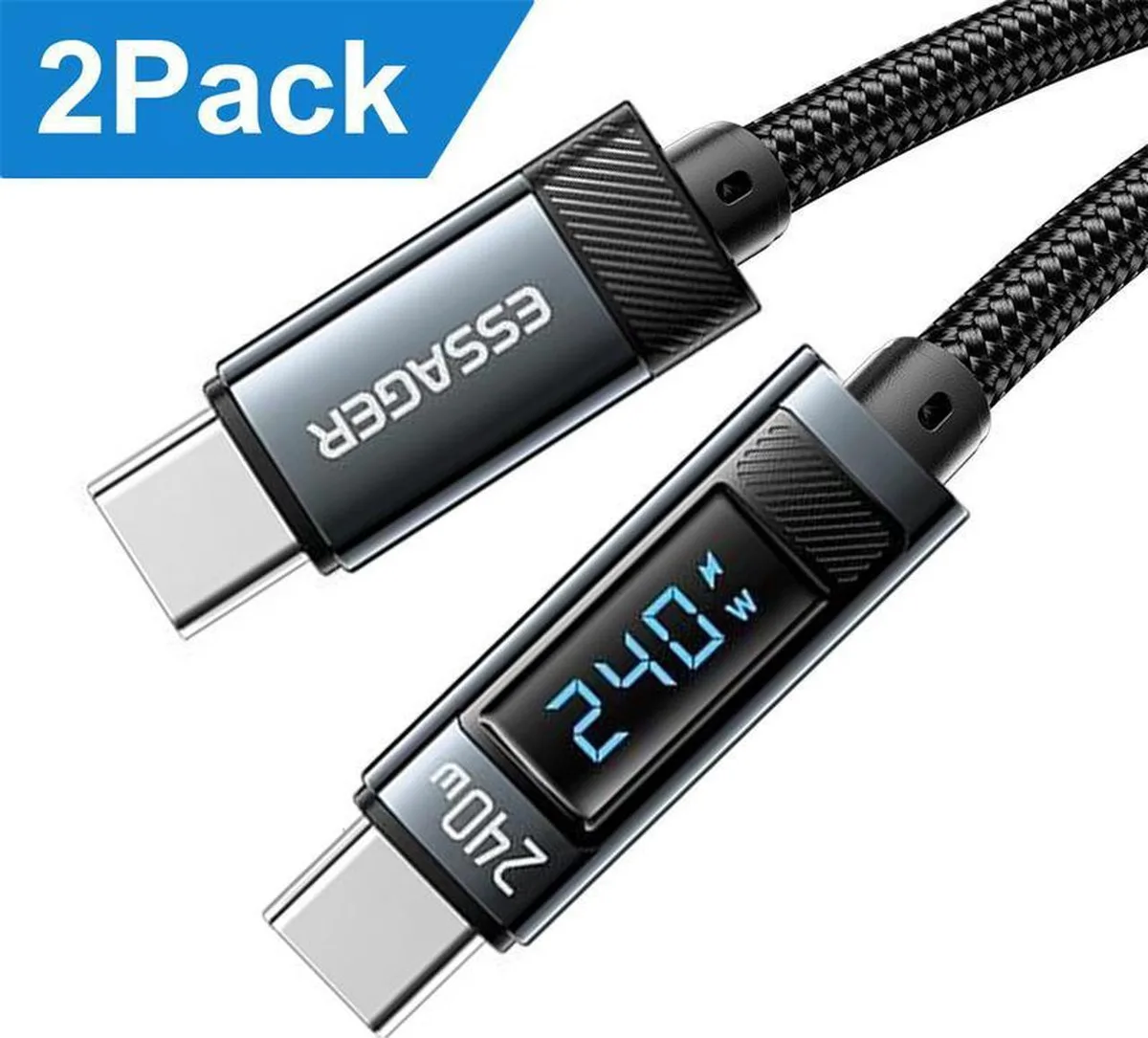
Aomoproing
Aomoproing 240W USB C to USB C Cable with LED Display 2-Pack 6.6FT
$20.99
0.00025167BTC
In stock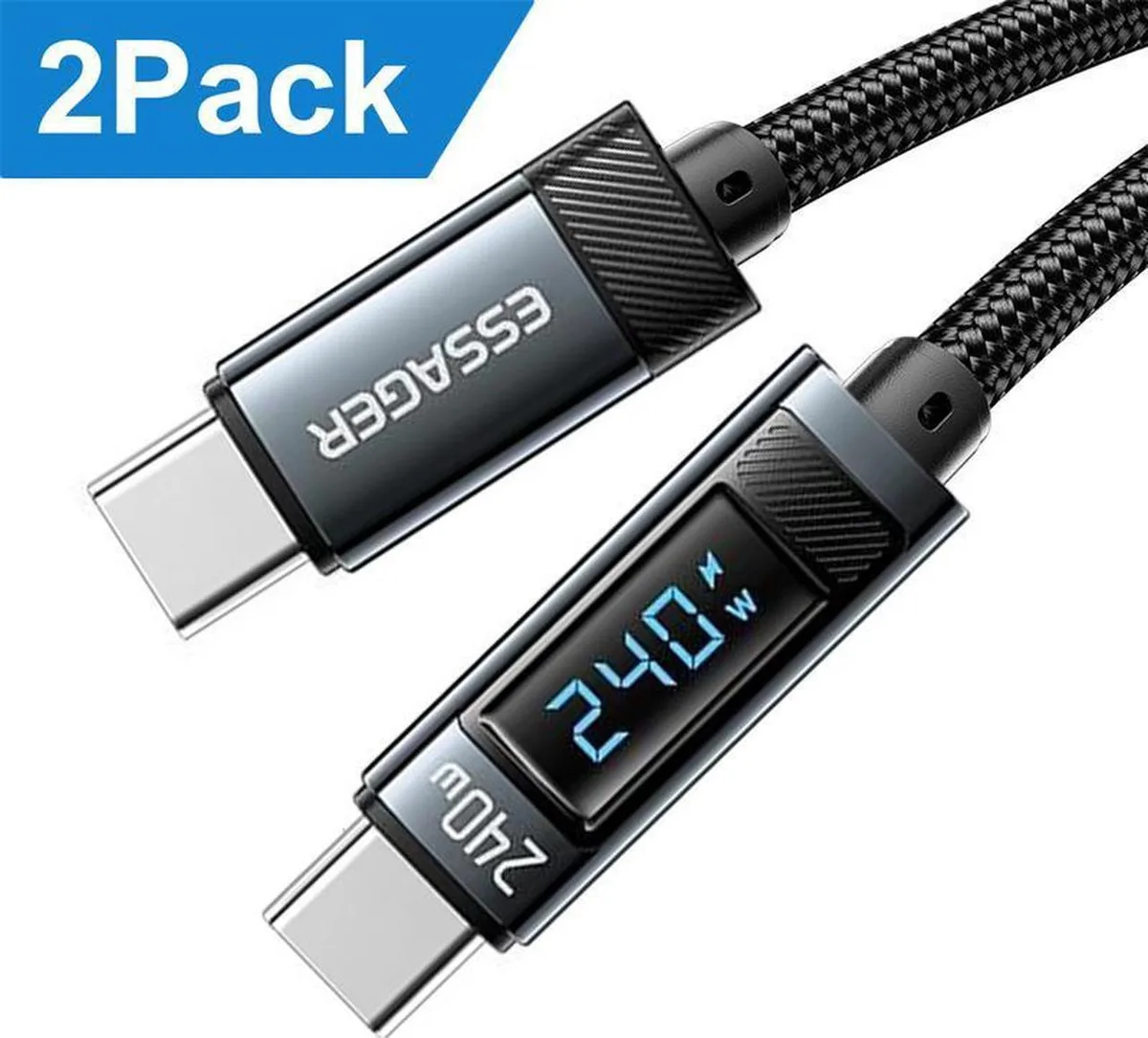
Aomoproing
Aomoproing 240W USB C to USB C Cable with LED Display 2-Pack 3.3FT
$20.99
0.00025167BTC
In stock
Aomoproing
Aomoproing USB C to Lightning Cable 3.3FT 2Pack 29W MFi Certified
$20.99
0.00025167BTC
In stock
Aomoproing
Aomoproing USB C to USB C Cable 100W 5A LED Display 6.6ft 2-pack
$21.99
0.00026366BTC
In stockQuestions about this item
How do I plug in the USB A to USB C cable and what step do people often miss?
Connect the USB-A end to a charger or port that supports up to 100W Power Delivery, then attach the USB-C end to your device; the LED display will show PD or W mode to confirm the fast-charge handshake.
What maintenance or replacement will the 3.3ft nylon-braided cable need over time?
The cable is rated for more than 30,000 bend cycles, so under normal use it requires no scheduled maintenance; replace it only if the connectors become loose or the LED display stops lighting.
What limit appears first during sustained high-power charging with this 100W cable?
The USB 2.0 data rate of 480Mbps is the first bottleneck during long transfers, while the 7A current rating and 100W power ceiling handle continuous charging without thermal throttling.
Also in this aisle
People compared these
Same shelf, same checkout — eight coins and a 30-minute rate lock.


Tripp Lite
Tripp Lite U324-003-BK USB 3.0 cable USB-A to USB-A 3 ft
- USB
- Black
$13.99
0.00016774BTC
In stock

MADE IN USA TONER
MADE IN USA TONER TK-8367K Cyan Toner Cartridge 25000 Pages
$48.99
0.0005874BTC
In stock