


Aomoproing
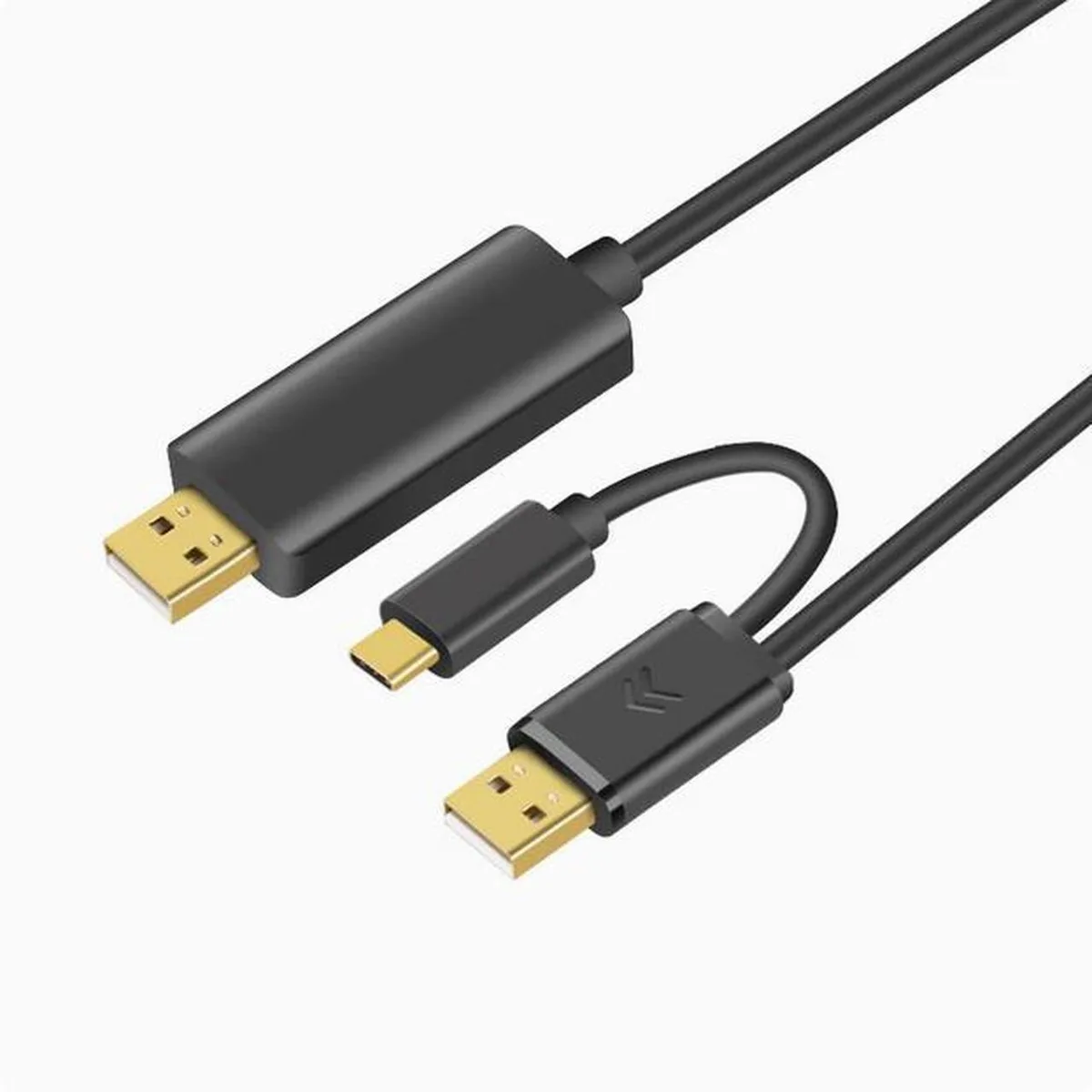
Aomoproing OTN-5219 USB 2.0 copy cable male-to-male 3m
A 3-metre USB 2.0 male-to-male cable for direct computer-to-computer data transfer and shared keyboard or mouse control
Cable Length 2m
- 2m
- 3m
- Connect two PCs for direct file transfer via USB 2.0 male-to-male link
- Control both computers with a single keyboard and mouse set
- 3 m cable length gives flexible desktop placement
- Tin-plated oxygen-free copper cores ensure reliable data transmission
- Durable ABS and PVC construction resists daily wear
What this cable does
The Aomoproing OTN-5219 is a USB 2.0 copy cable with male connectors at both ends and a 3 m length. It enables mutual data transmission between two computers and lets one keyboard and mouse control both systems. The cable uses tin-plated oxygen-free copper cores inside an ABS and PVC jacket.
Who should use it
This cable suits users who need to move files between two legacy PCs equipped with standard USB-A ports and want to share a single keyboard and mouse. It is not for buyers who require USB-C or Type-C connectors on either end, nor for anyone needing USB 3.0 or higher transfer speeds.
Deciding specification
The interface is listed as USB/Type-c with USB 2.0 performance, so the cable only works when both computers present compatible USB-A ports for the male plugs. Verify that each machine has an available USB-A socket before purchasing.
Highlights
- Connect two PCs for direct file transfer via USB 2.0 male-to-male link
- Control both computers with a single keyboard and mouse set
- 3 m cable length gives flexible desktop placement
- Tin-plated oxygen-free copper cores ensure reliable data transmission
- Durable ABS and PVC construction resists daily wear
Specifications
No published specifications for this item yet.
Other versions of this model
1 more in the same range
Same family, different memory, cooler or clock — compare before you commit.


Questions about this item
What connectors does the OTN-5219 cable use for the computer link?
The OTN-5219 uses a USB 2.0 male connector on each end for direct computer-to-computer data transfer.
How do I set up the cable to share one keyboard and mouse across two PCs?
Plug each male USB end into a USB port on both computers, then install the included driver software to enable keyboard and mouse switching.
What should I check if the 3-metre cable stops transferring data reliably?
Inspect the ABS+PVC jacket and tin-plated oxygen-free copper cores for kinks or connector wear; replace the cable if the conductors are damaged.
Also in this aisle
People compared these
Same shelf, same checkout — eight coins and a 30-minute rate lock.


Tripp Lite
Tripp Lite U324-003-BK USB 3.0 cable USB-A to USB-A 3 ft
- USB
- Black
$13.99
0.00016758BTC
In stock

MADE IN USA TONER
MADE IN USA TONER TK-8367K Cyan Toner Cartridge 25000 Pages
$48.99
0.00058683BTC
In stock